Sentiment Pulse: Dashboard
The Sentiment Pulse Dashboard will display the results for your last ten published Sentiment surveys. However, if you have requested any 'optional feedback' for the survey, then these textual responses can be found in the Surveys by Person report.
To view the Sentiment Pulse Dashboard, hover over the Comms section of the side-bar, then navigate to: Insights ➡️Dashboard. Select the Dashboard title and then select the SENTIMENT PULSE tab.
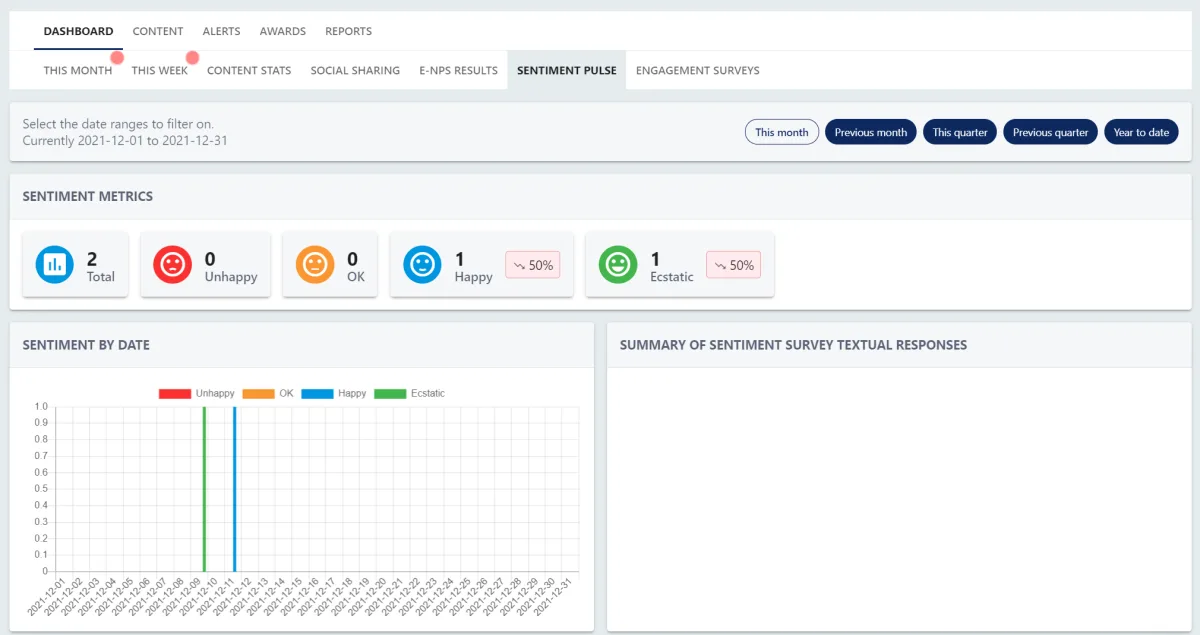
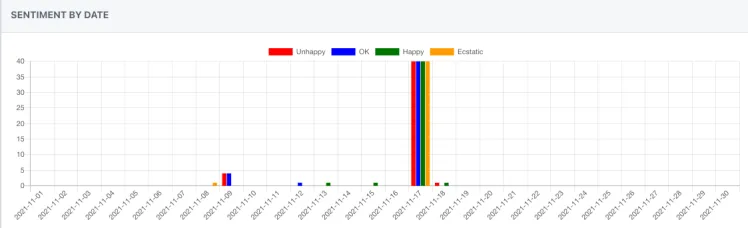
You can utilise the date filter buttons to refine the date range for your results.

The sentiment metrics section will take into account the date filter button you have selected.

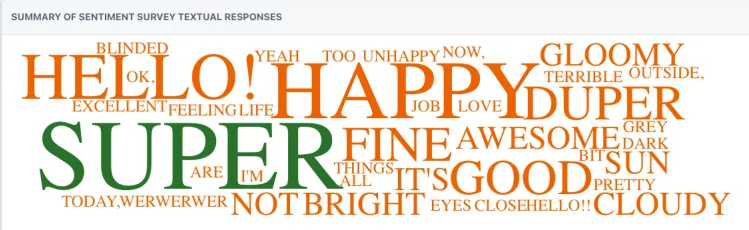
The Summary of Sentiment Survey Textual Responses section in the bottom right-hand corner is a word cloud derived from any optional feedback provided by respondents (if this has been enabled for the sentiment survey). The most frequently used words will appear in a larger font.