Udemy Business Connector
Step 1:
Log into your StaffCircle account and type "Connectors" in the Quick Search or Navigate to "Integrations" - click on "LMS Connectors" menu item as below. (you must be a StaffCircle admin)
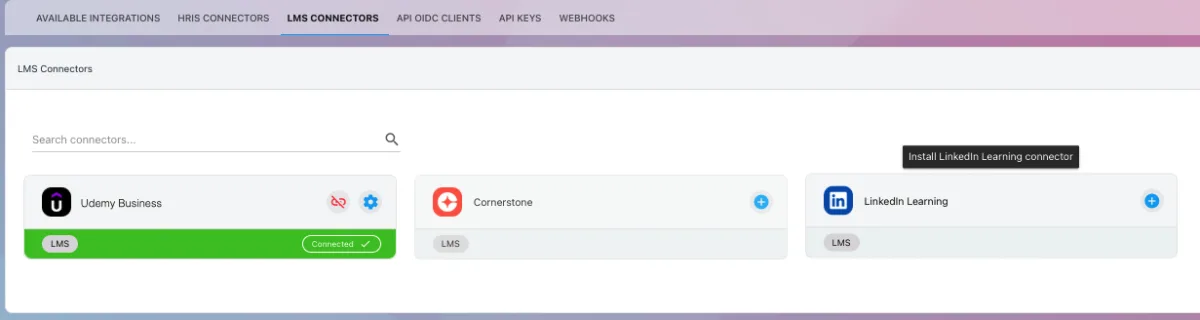
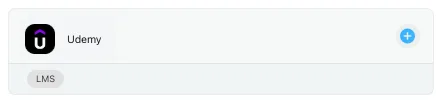
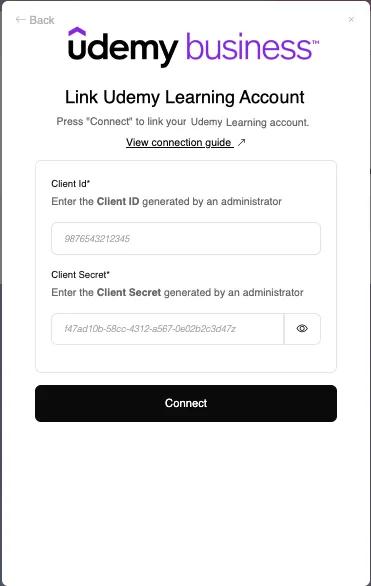
Then under the Udemy Business connector click on the + button. You will see the dialogue box below appear.
Step 2:
Login to your Udemy account.
On the top right - click "Manage"
then Navigate to LMX/LXP Integrations
Click on Settings in the left hand Admin Tools menu.
Select LMX/LXP API Integrations from the dropdown menu.

Step 3:
Create Custom Integration
From the Start Setup button dropdown, select Other.

Toggle Auto enrollment and click Save

Step 4:
Note the Client ID and Client Secret
Take note of the Client ID and Client Secret credentials.

Step 5:
Find Company Subdomain
Login to your Udemy Business dashboard.
Your company subdomain can be found in the URL. If your URL is mycompany.udemy.com, your company subdomain is mycompany.

Step 6:
Find Account ID
Log into your Udemy Business dashboard.
Navigate to Manage > Settings > API > API Documentation.

Scroll down to the “Your API Client and Your Account Id” section to locate your Udemy Business Account ID.

Step 7:
Connect Udemy Account
In the Udemy connector dialogue box shown in Step 1 enter the Client ID and Client Secret from the previous step.
Click Connect.
Step 8:
Providing the credentials were correct you can now connect to Udemy and sync the courses over to StaffCircle's Unified Course Database. If you want to only sync certain courses, you can setup filtering using the filtering options below.
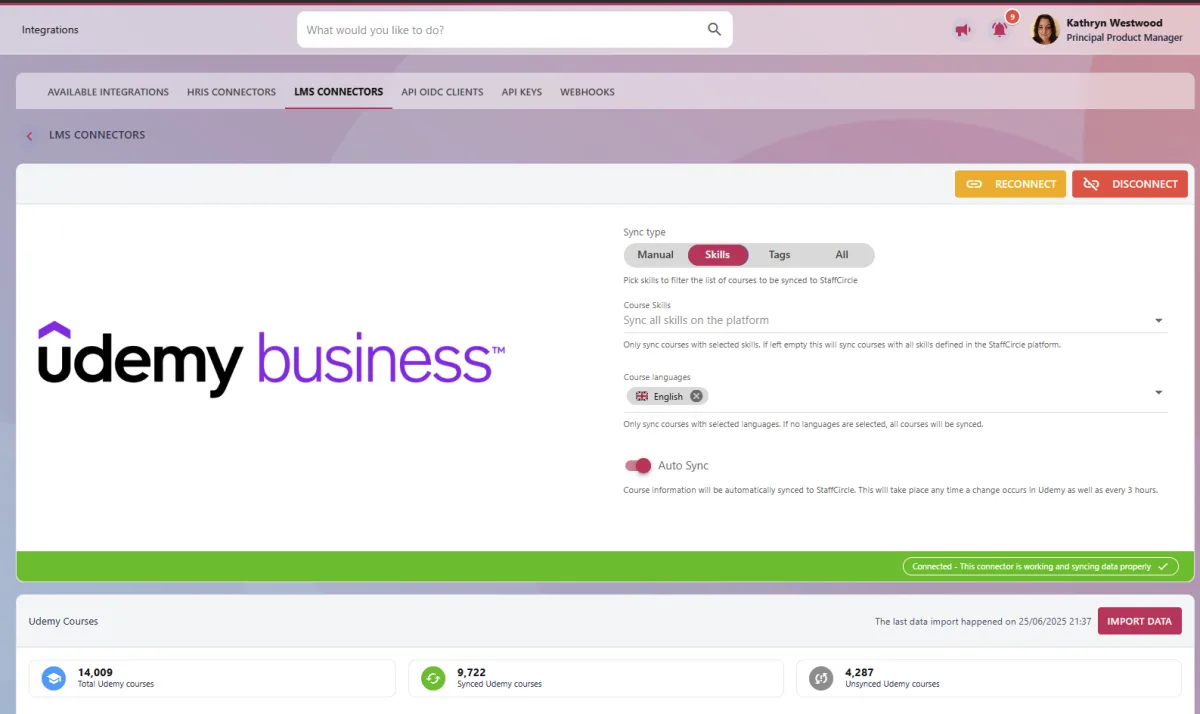
Please note: the initial course sync can take from a few minutes to several hours.