Power Automate Integration
You can enable the integration from:
Settings->integrations section of StaffCircle.
The app listing for our connector on Microsoft is found here:
https://emea.flow.microsoft.com/en-us/connectors/shared_staffcircle/staffcircle/
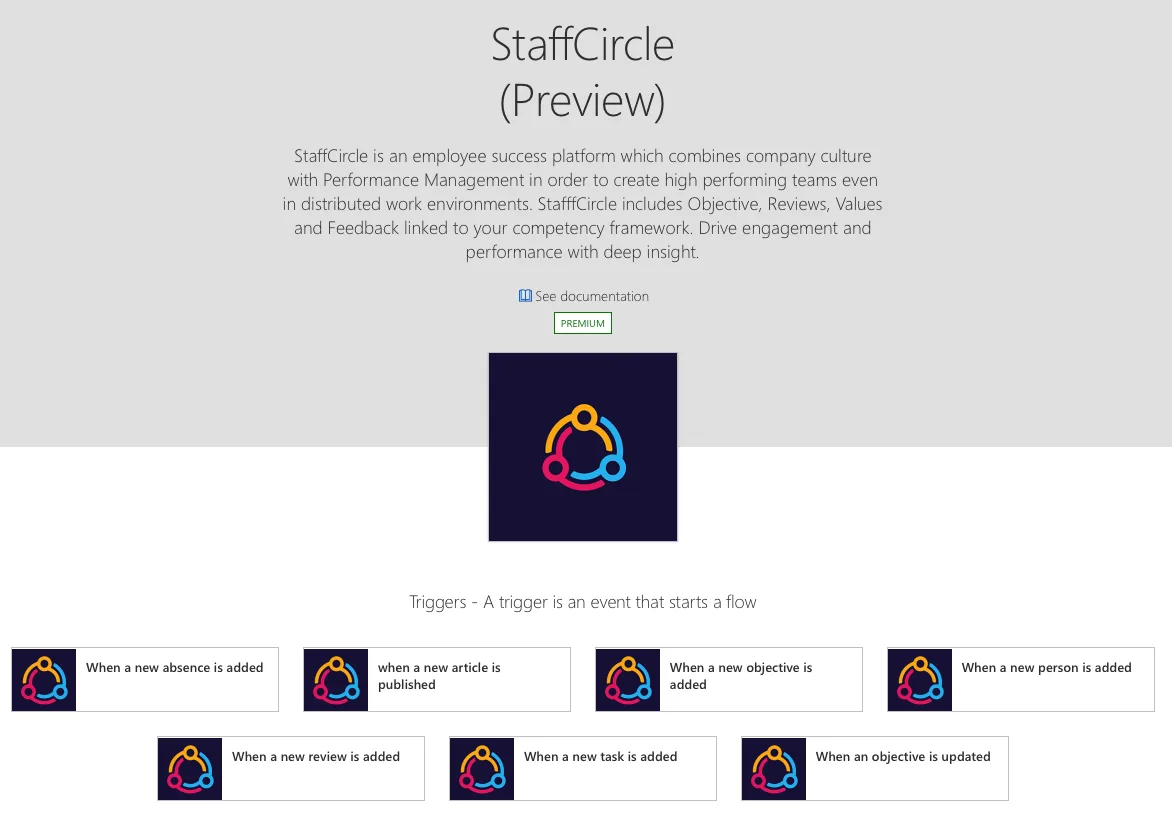
You will need an Office 365 account in order to use Microsoft Power Automate.
Power Automate contains both Triggers and Actions.
StaffCircle Triggers: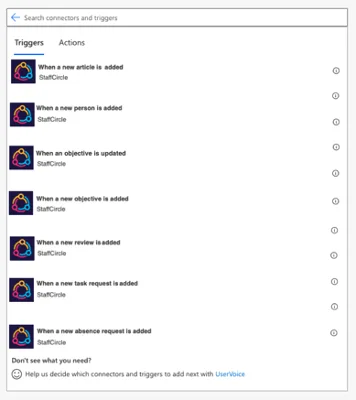
StaffCircle Actions: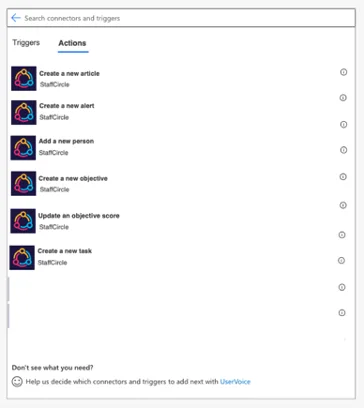
These triggers and actions allow many ways to build flows to compliment and automate parts of your workflows.
Building a Flow
This tutorial will assume a basic level of Microsoft Power Automate knowledge. Full help on building flows within Microsoft Power Automate is available here:
The easiest way to build a flow is using the triggers and actions. We will be building a flow to add an objective to read an article when an article is created.
1. Start with an automate flow and choose a trigger: Now we have set the trigger we need to assign the action. Choose a new step and search for StaffCircle actions.
2. Add the action based from the trigger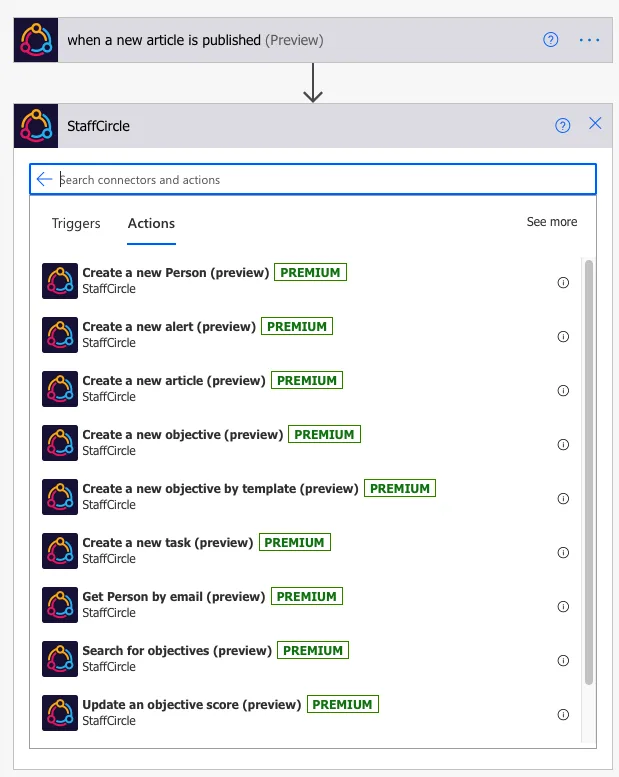
3. Add the details for the objective to be assigned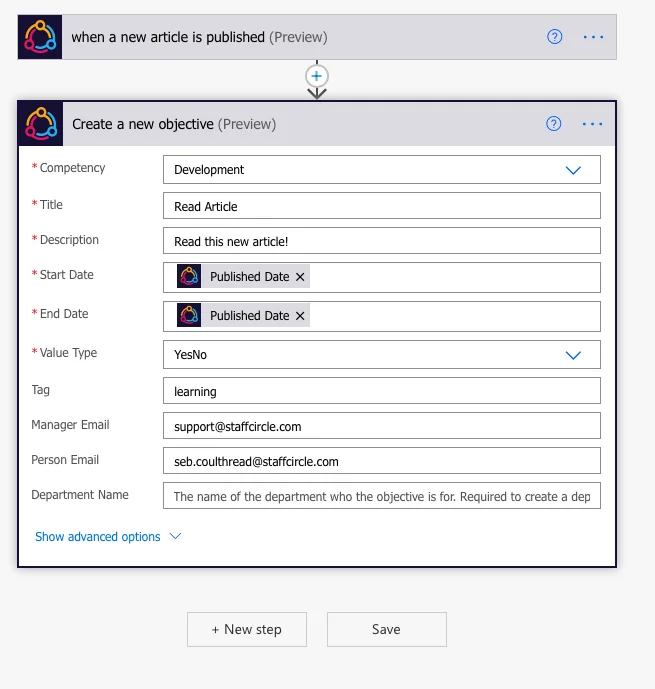
4. Test the flow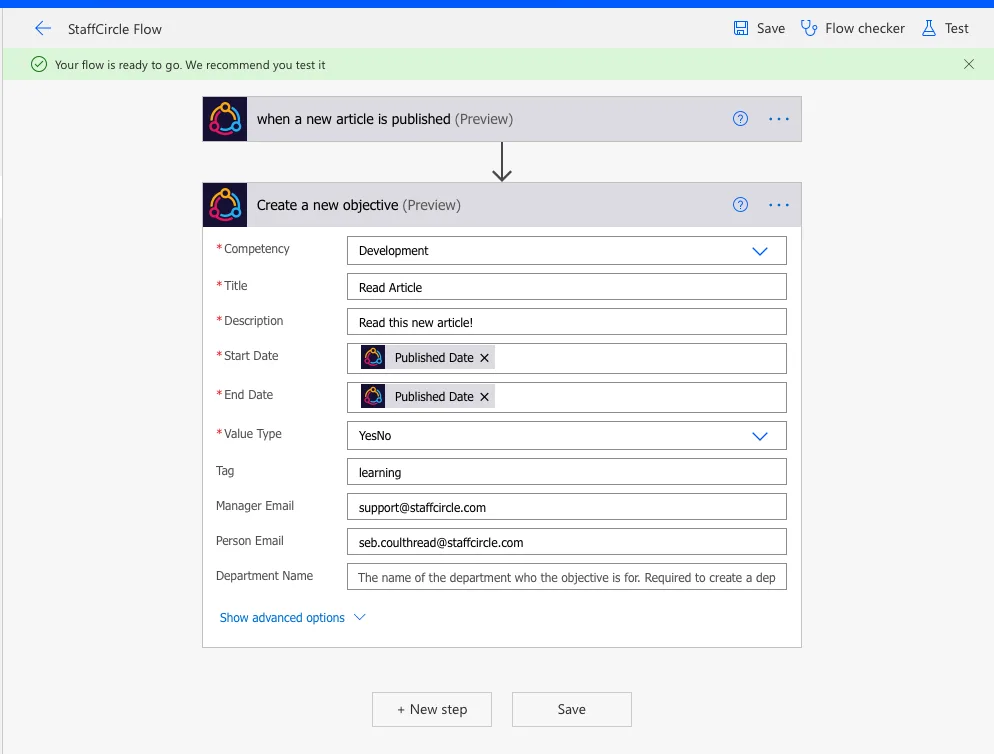
There are many other uses and custom capabilities for Power Automate, using these triggers and actions allows you a much deeper level of automation throughout your workflow. It is important to note that these triggers and actions can be integrated with other non StaffCircle actions within Power Automate. Custom functions and triggers can be added to create logical workflows and more complex workflows.