Option-based Questions
StaffCircle reviews can include three types of questions: scored, option, or text. Option-based questions allow the employee to choose a pre-set response to the question (i.e yes or no).
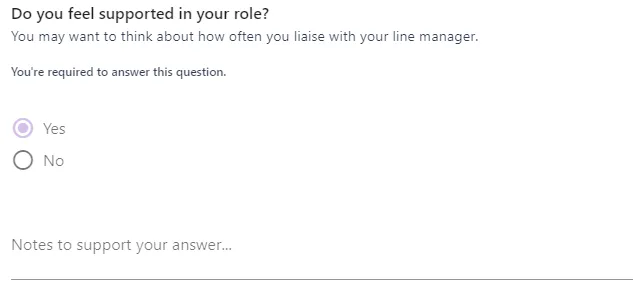
Below is an example of an option-based question within a review:
When configuring score-based questions, you can choose different selectable option for each question.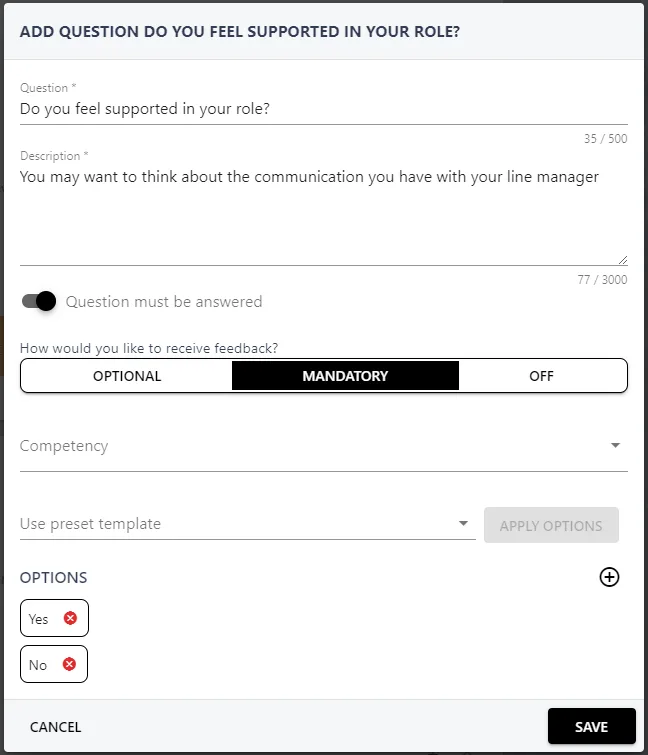
In addition to the radio-buttons, you can enable written feedback which will allow the individual to elaborate on their selection. You can also configure this feedback to be optional, mandatory, or removed from the question completely.
When creating option-based questions, you will need to provide the options for the questions, for example yes, no, or sometimes. You can select your options from the Use preset score template drop-down menu, or click the ADD OPTION TEMPLATE button at the bottom of the list to create new options.
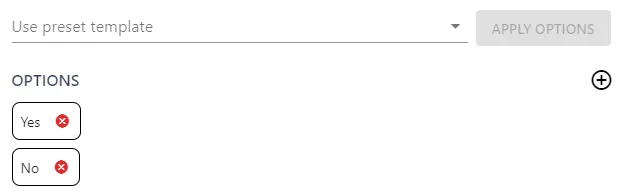
For further information on creating option templates, please refer to this guide.