Configure or Delete a Competency
Step One
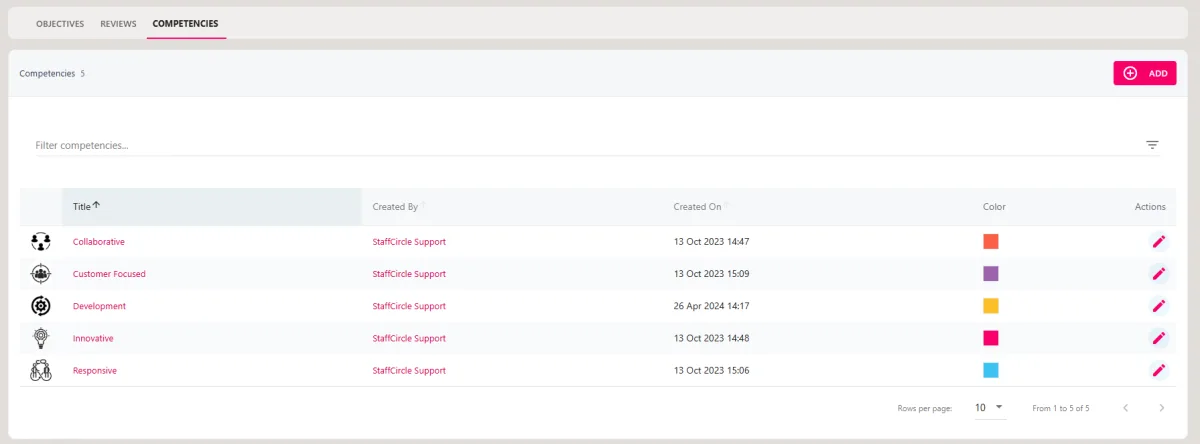
Hover over the Objectives and Reviews section of the sidebar, then navigate to: Configuration ➡️Objectives ➡️ Competencies. Select the Competenciestitle to view a list of your competencies.
Step Two
To configure the competency, click on the pencil icon in the actions area. You may want to utilise this guide for information on each of the fields.
To delete the competency, click on the red trash can icon in the actions area. If you don't see the trash can icon, follow the steps in the rest of this guide.
Step Three
If you do not see a red trash can icon in the action area, you will need to delete any objectives which are associated with the competency.
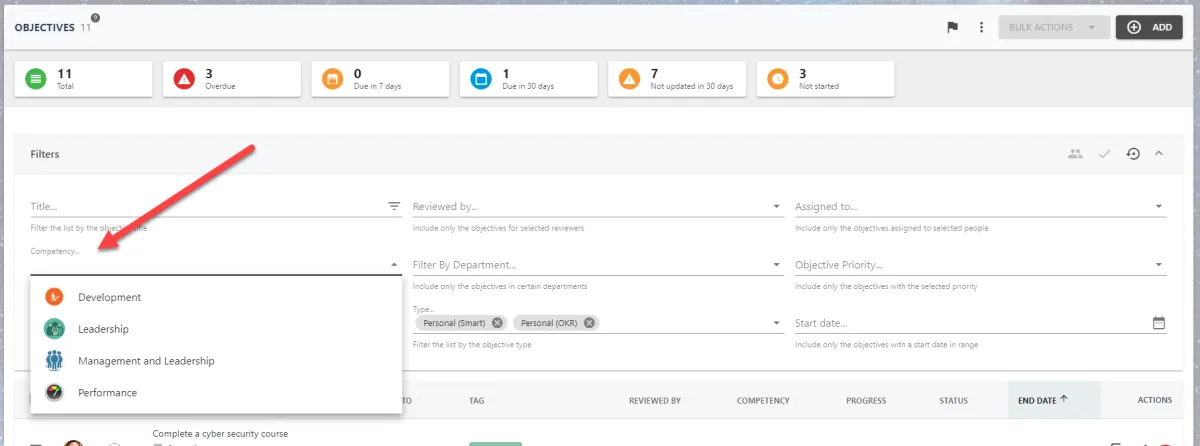
To quickly locate all objectives which are associated with one of your business competencies, you can use the filters in the Objectives Manager area to search by competency.