Knowledge base · Organisation & Settings
Values: Delete
Step One
Click on the settings wheel in the top right-hand corner of the screen and click on the Organisation and Branding tab on the left-hand side.
🚀 If you are using our new menu feature, select the settings wheel in the bottom left-hand corner of the screen and select Organisation and Branding from the secondary side-bar under SETTINGS.
Step Two
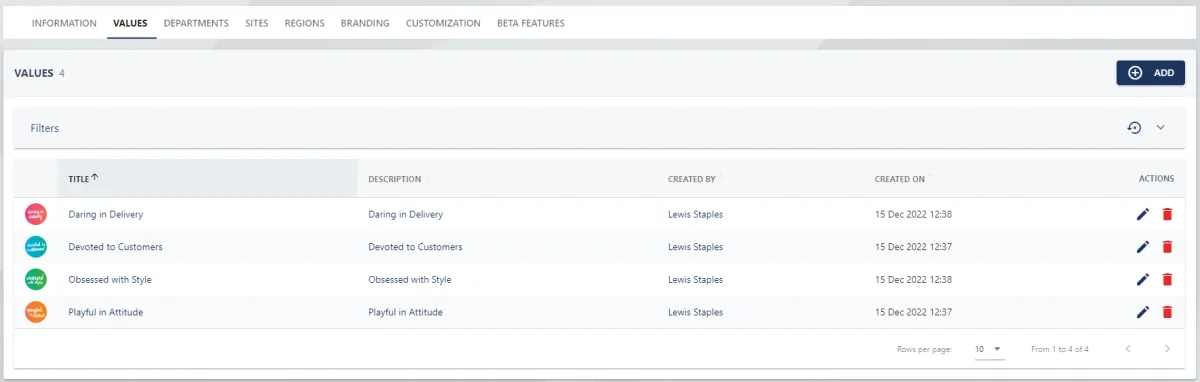
Select the VALUES tab at the top of the page.
Step Three
Click on the red trash can icon next to the value, this will open a pop-up in the centre of the page.
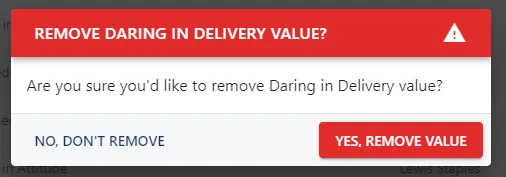
Click YES, REMOVE VALUE to confirm deletion.
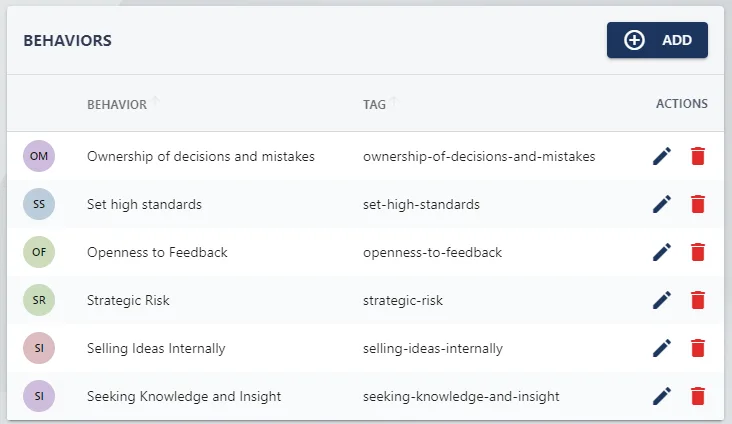
To remove a behaviour assigned to a value, select the title of the Value from the list (step two above) and click on the red trash can icon associated with the behaviour.