Setup E-Sign
eSign within StaffCircle allows you to send documents to employees and track whether the document has been signed for.
You can send documents to external recipients, for example an applicant that has been successful for a role within your organisation and you’re sending them their contract and new starter documents.
Tip! StaffCircle's E-Sign is done in 3 steps, activate and setup E-Sign (this guide), then you'll prepare the documents with tags, then finally create the envelope and send the documents to sign
Activate Integration
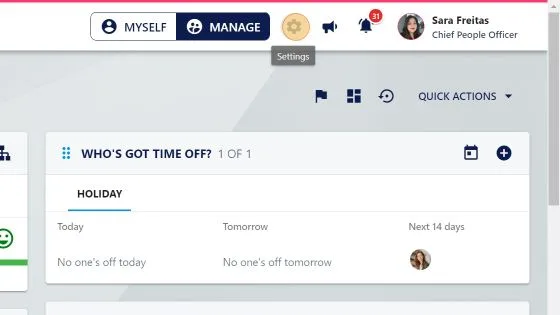
1. To get started with e-Sign you need to install the integration in your platform. Click "settings"
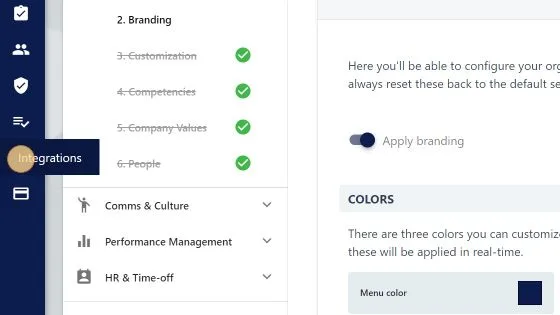
2. Click "Integrations"
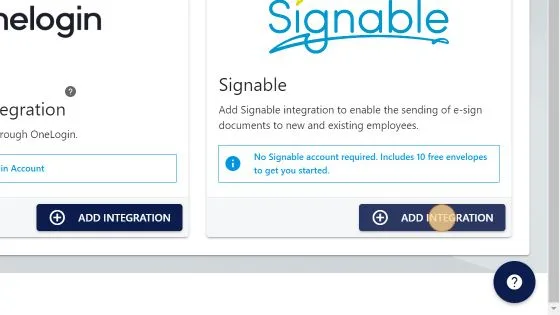
3. Click "ADD INTEGRATION"
4. Click "I UNDERSTAND"
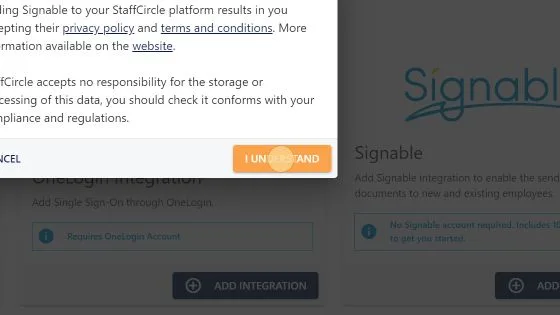
Alert! You’re provided with 10 free envelopes to get you started. What is an envelope? An envelope is the wrapper around a set of documents. In one envelope you can attach one or several documents to send to one or a few signers and reviewers. You’re able to purchase more envelopes through your Billing & Usage section.
Setup Security Permissions
You'll need to assign the 'E-SIGN' permission to the groups of users that will be sending e-sign documents.
The permission will also give those users access to all the pre signed documents. We recommend HR team members and superusers
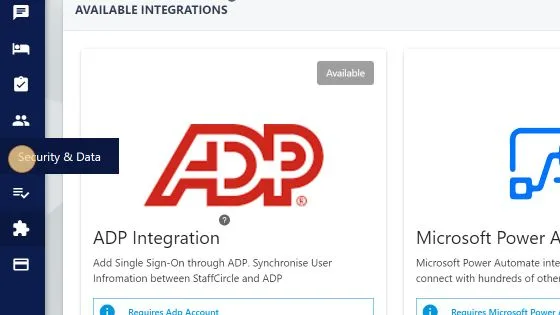
5. Click "Security & Data"
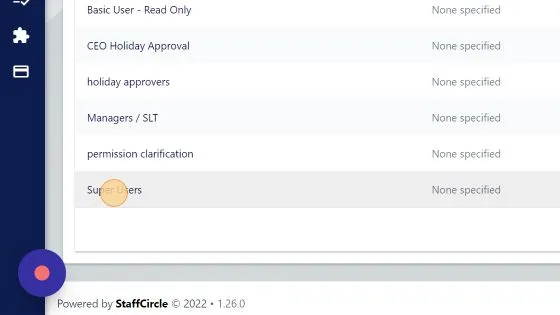
6. Click "Super Users" (this security group should have users that will need to see and send e-sign documents)
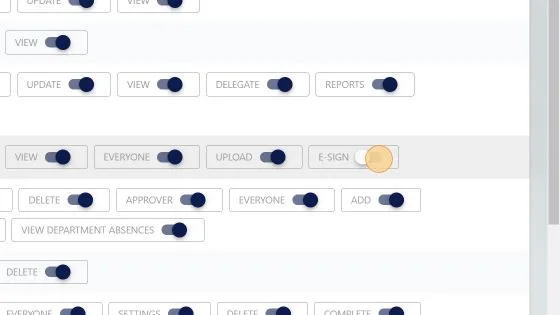
7. Toggle on "E-SIGN"
Logout / Login to see E-Sign
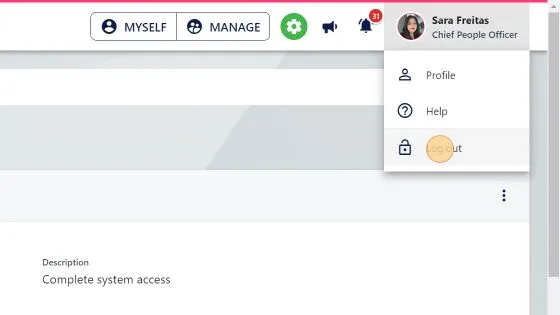
8. Click your name in the top right
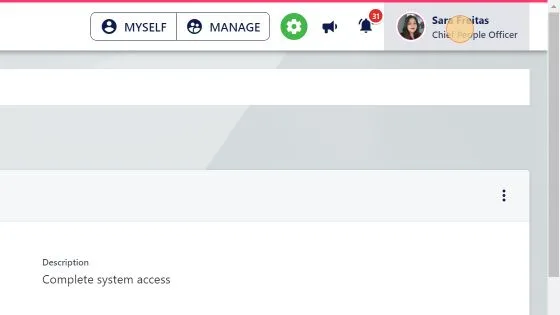
9. Click "Log out"
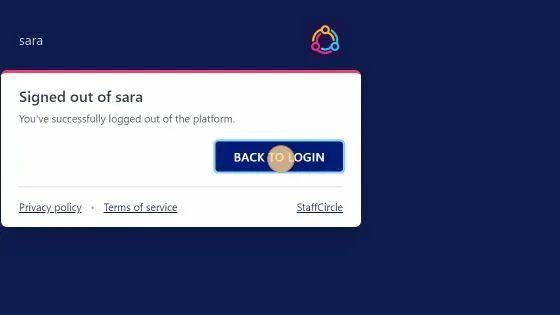
10. Click "BACK TO LOGIN"
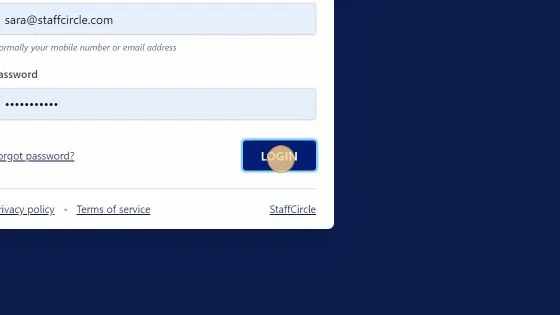
11. Click "LOGIN"
Next Step: Prepare Documents to Sign
You've successfully activated esign! The next step is to prepare your documents with tags so that they can be uploaded and sent
Learn this in the University
Step-by-step training lessons for the roles this article applies to.
