Setting up the Workable Integration
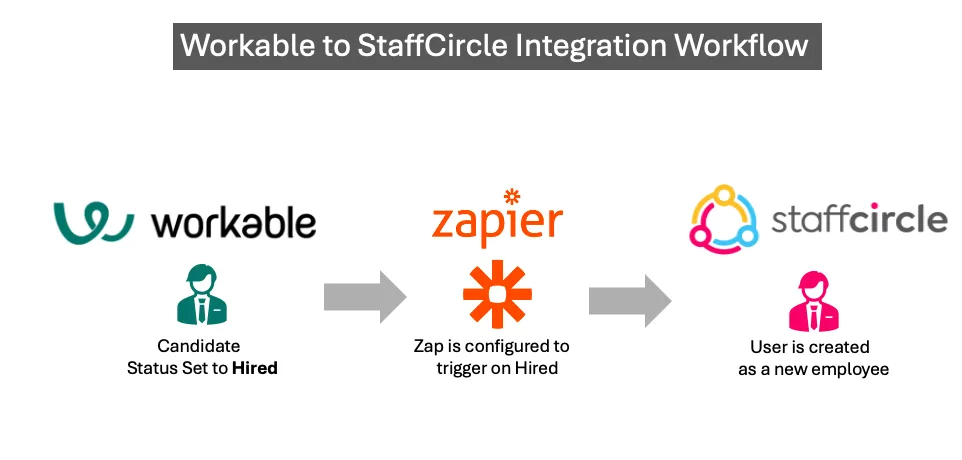
Steps to configure the Integration
1. Ensure you already have Workable and StaffCircle accounts.
2. Create a Zapier Account and configure a Zap as follows:

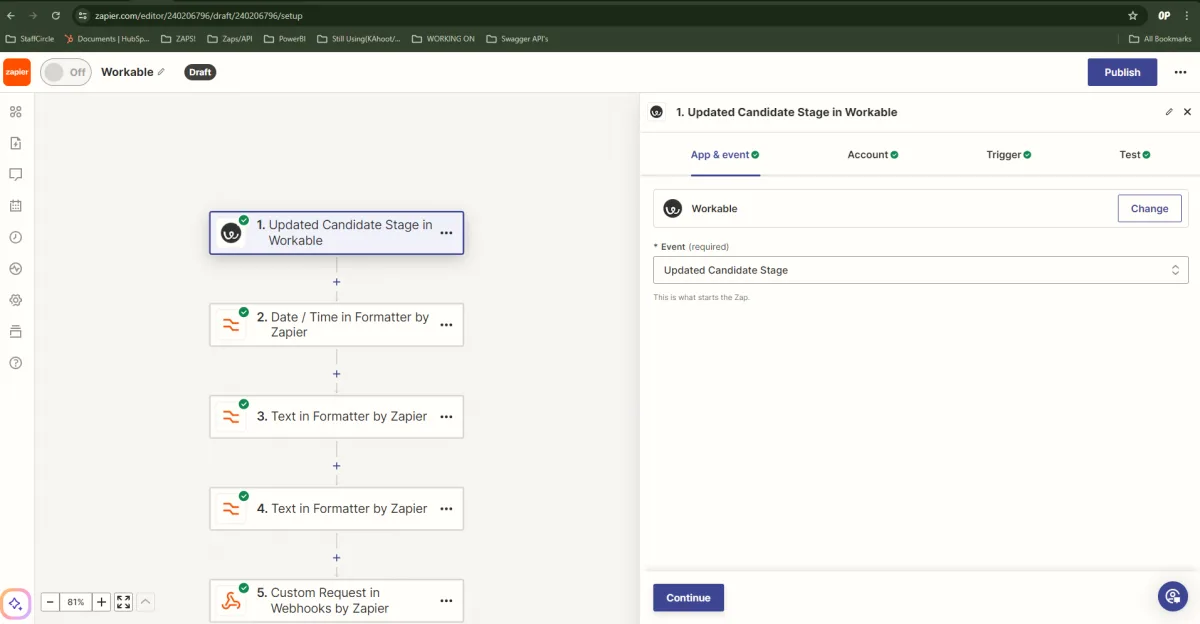
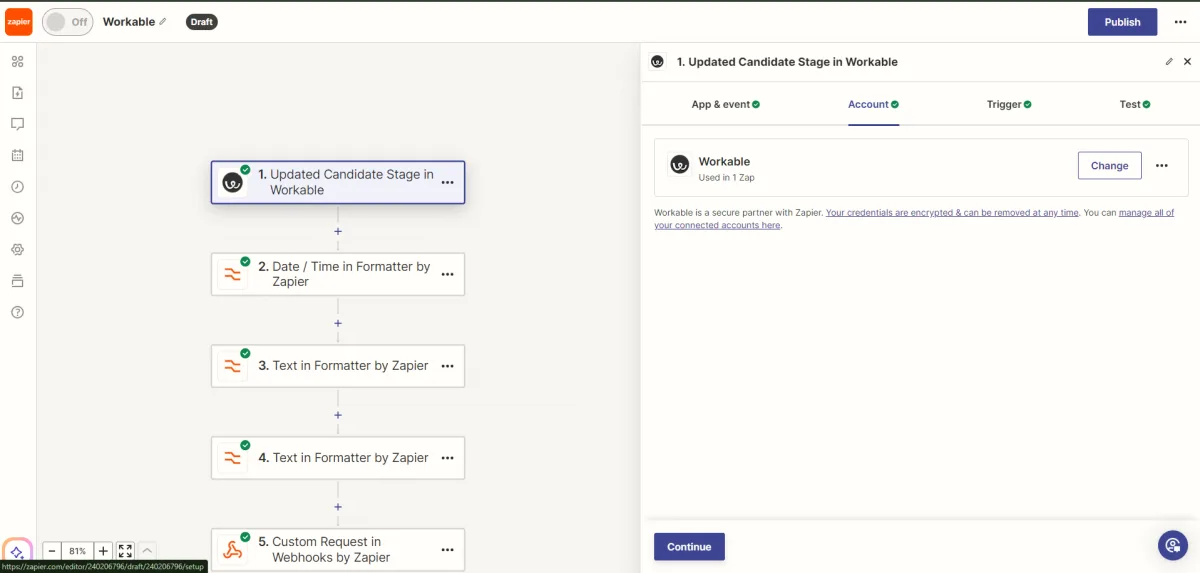
Prior to completing your Zap go to step 3.
3) Log into your StaffCirce account and go to integrations section (you will need to be an admin) and click on the API Key tab.
4) Create an API Key and select the Claim called Directory
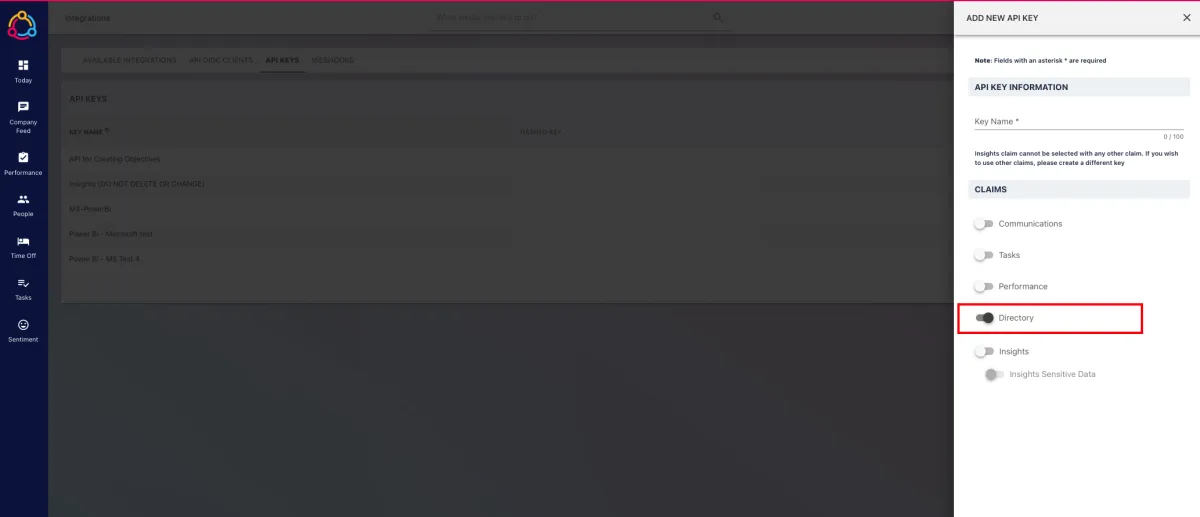
5) Make a note of the API Key generated - this will be put into the Zap in the next step.
6) Next create a new step in your Zap called Custom Request. 
7) In the Step set the information as following:
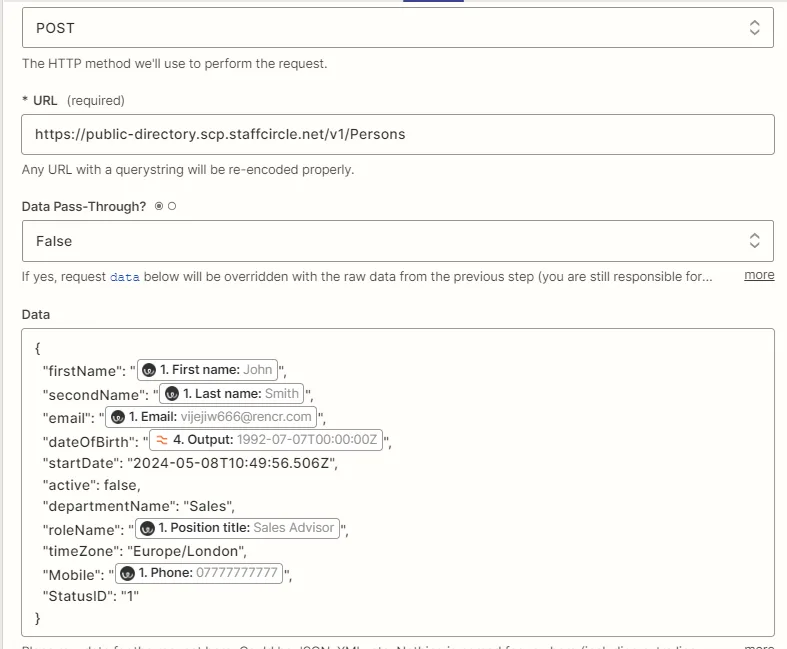
8) If you need further assistance, or want the integration setup please contact your customer success manager.
Please note there may be an additional professional services charge if asked to configure this on your behalf.