Knowledge base · Integrations
E-Sign Envelope Usage Report
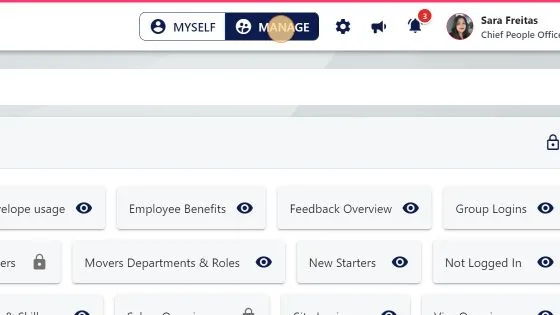
1. To get to the report: Click "MANAGE"
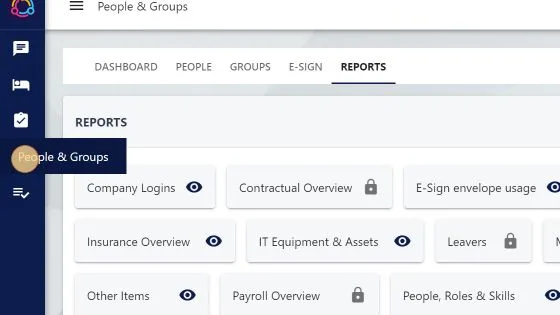
2. Click "People & Groups"
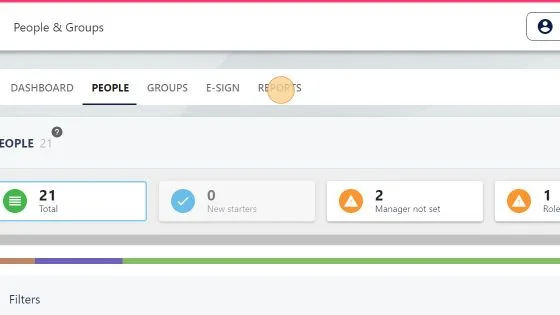
3. Click "REPORTS"
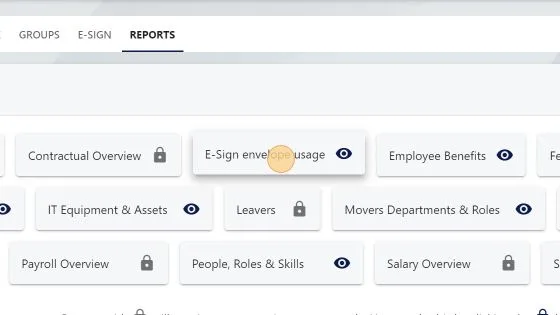
4. Click "E-Sign envelope usage"
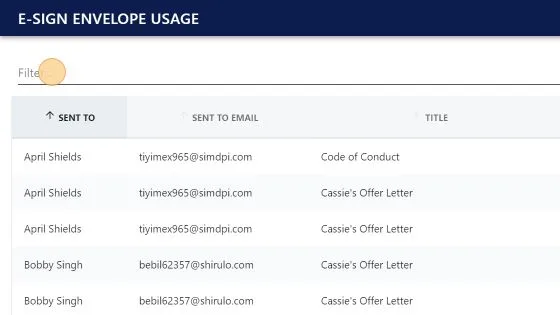
5. You can filter the report
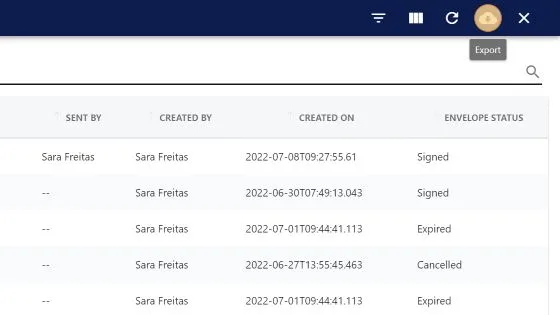
6. You can export the report to a csv file
1. To get to the report: Click "MANAGE"
2. Click "People & Groups"
3. Click "REPORTS"
4. Click "E-Sign envelope usage"
5. You can filter the report
6. You can export the report to a csv file