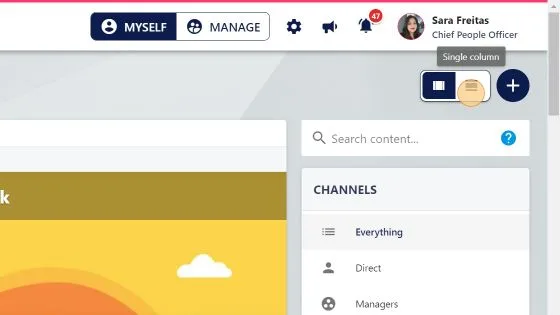
What can the employee see on the main feed?
1. "TEAM" shows employees that have the same line manager as you, as well as any employees where you are their line manager.
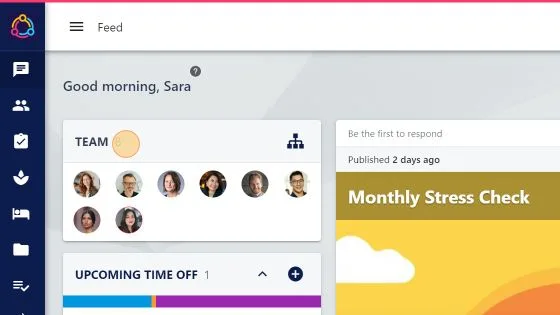
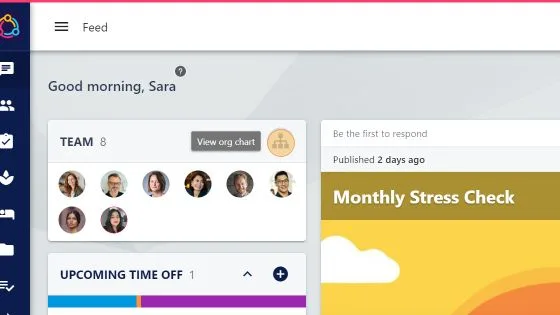
2. Click here to view the Organisation chart
3. "UPCOMING TIME OFF" shows just your holiday and absences and any company holidays you'll take off in the next 30 days
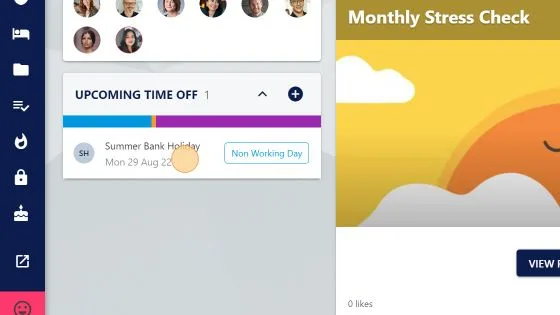
4. Click the "ADD" to request a holiday for yourself
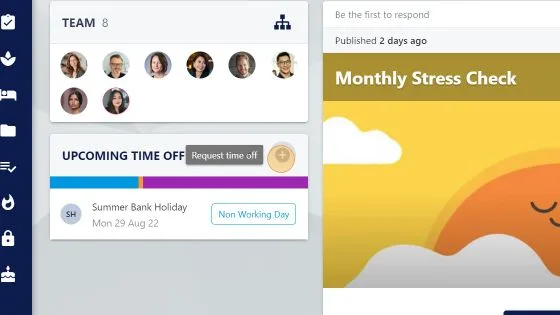
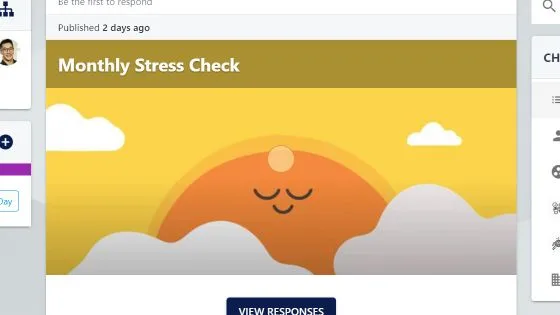
5. Articles are in the middle of the screen to draw the attention. Click the article tile to see more.
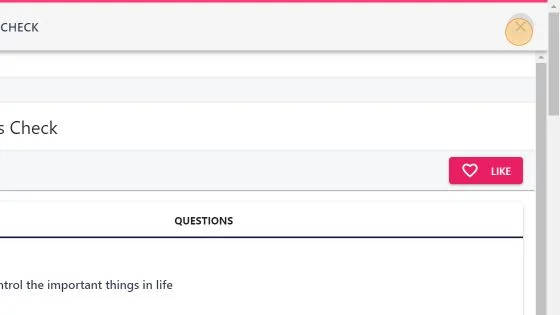
6. Click "close" when done reading the article.
7. Channels help you to filter to see articles that were posted to you (Direct), group, department, site.
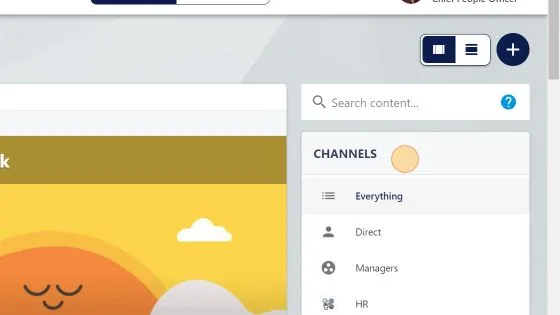
8. You can search articles here. It will search the article title & body.
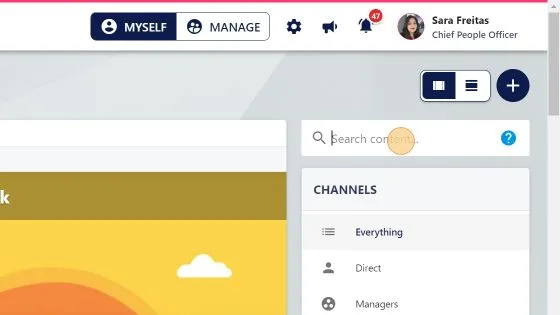
9. To switch between the new (multi column) and old (single column) view, click the relevant icon in the top right