Knowledge base · Communications
How do I delete a comment on a post?
Depending on your platform's permissions (typically a system administrator), you will be able to delete comments made against an article.
Step One
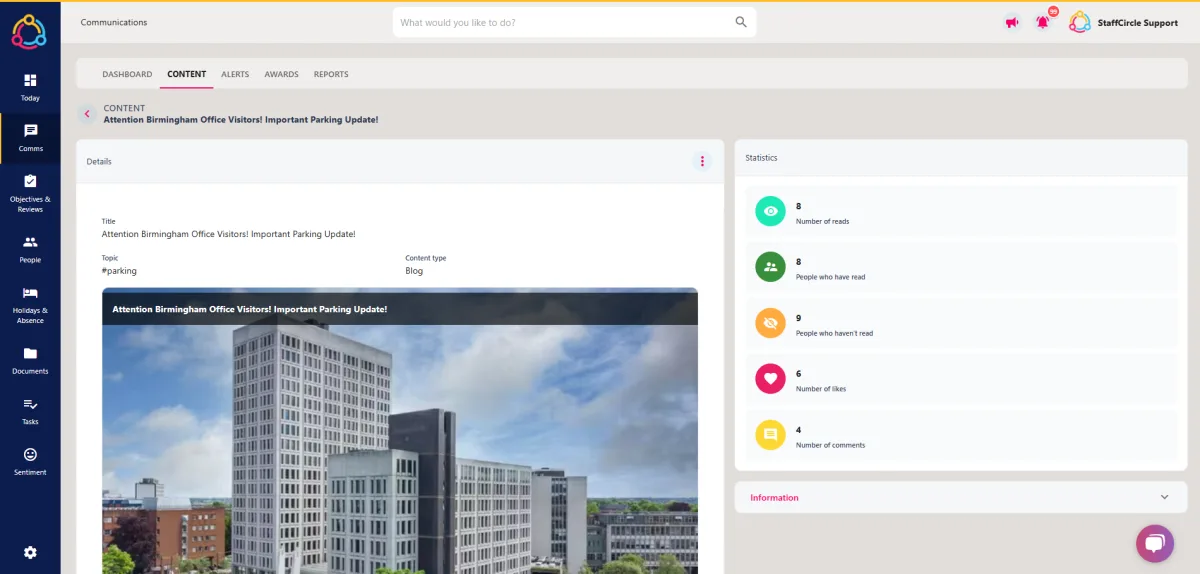
Hover over the comms area of the left-hand side bar and click on Content with the Manage area. Select the title of the article to open the details page.
Step Two
Within the STATISTICS section to the right, click on the Number of comments tile. This will open a pop-up containing a list of all comments associated with the post.

Step Three
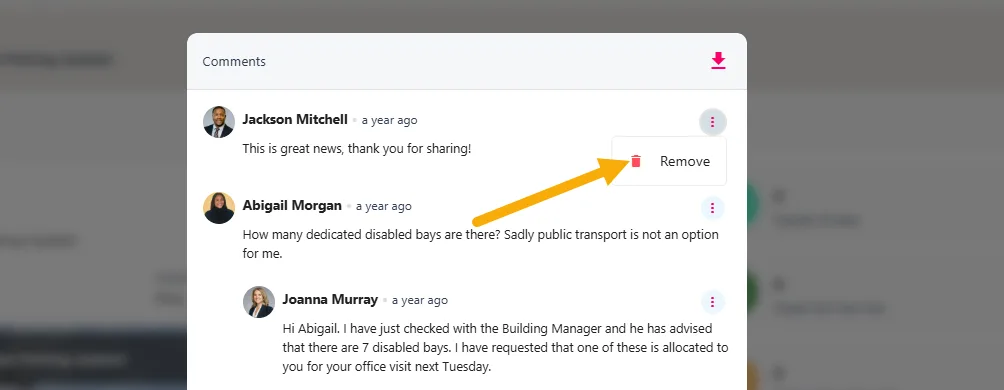
Click on the three dots next to the comment you would like to delete, then select 'Remove' from the drop-down menu.
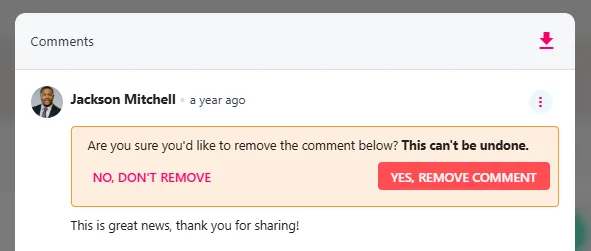
If you are sure you want to delete the comment, click the YES, REMOVE CONTENT button.