Knowledge base · Communications
Alerts: Delete
Step One
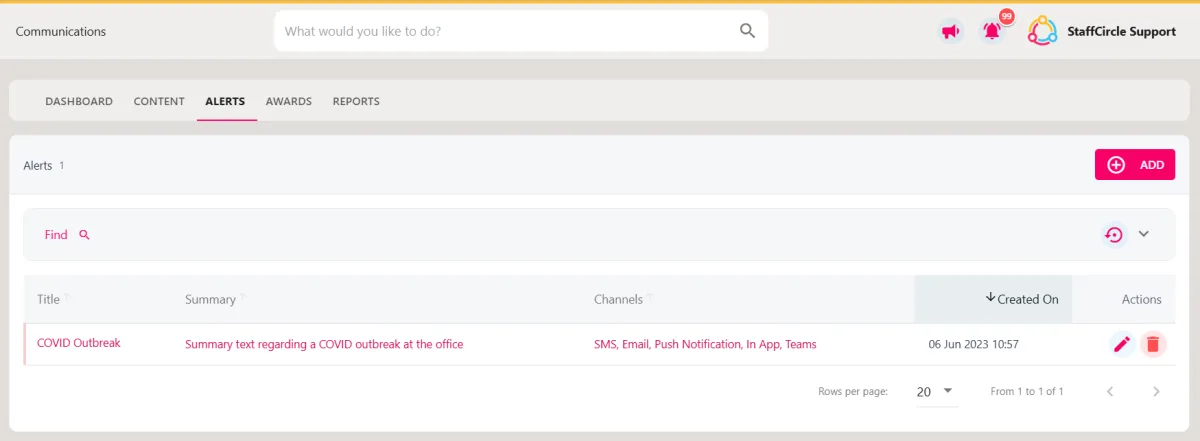
Hover over the Comms section of the sidebar, then navigate to: Manage ➡️ Alerts. Select the Alertstitle to view a list of alerts in the platform.
Step Two
Click on the red trash can icon under the ACTIONS header to delete the alert.
Step Three
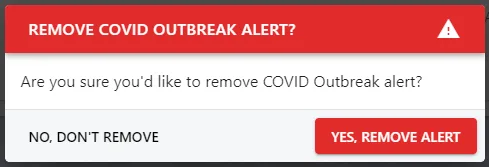
A pop-up will appear in the centre of the page to confirm the action. Click the YES, REMOVE ALERT button to delete the Alert.