Knowledge base · Communications
Alerts: Configure
Step One
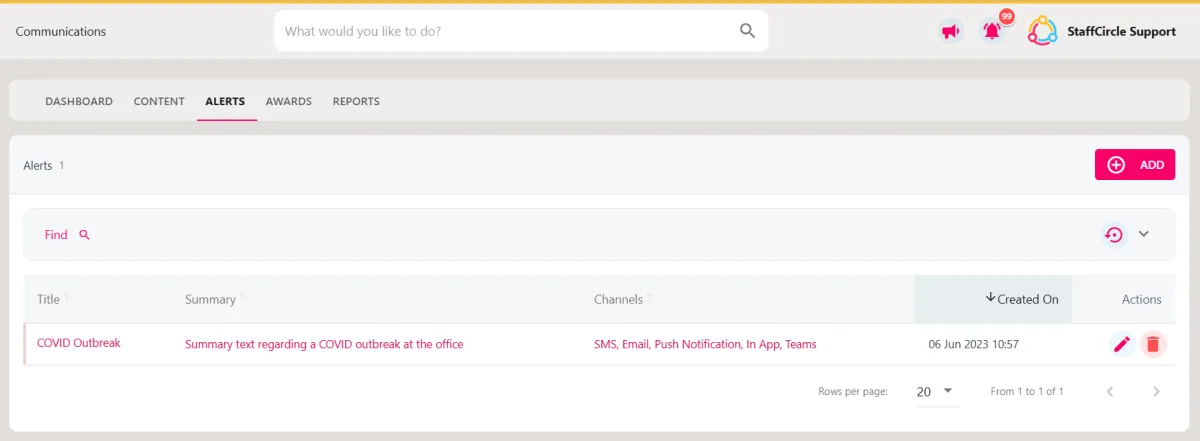
Hover over the Comms section of the sidebar, then navigate to: Manage ➡️ Alerts. Select the Alertstitle to view a list of alerts in the platform.
Step Two
Select the pencil icon next to the alert. This will open the UPDATE ALERT pull-out drawer.
Step Three
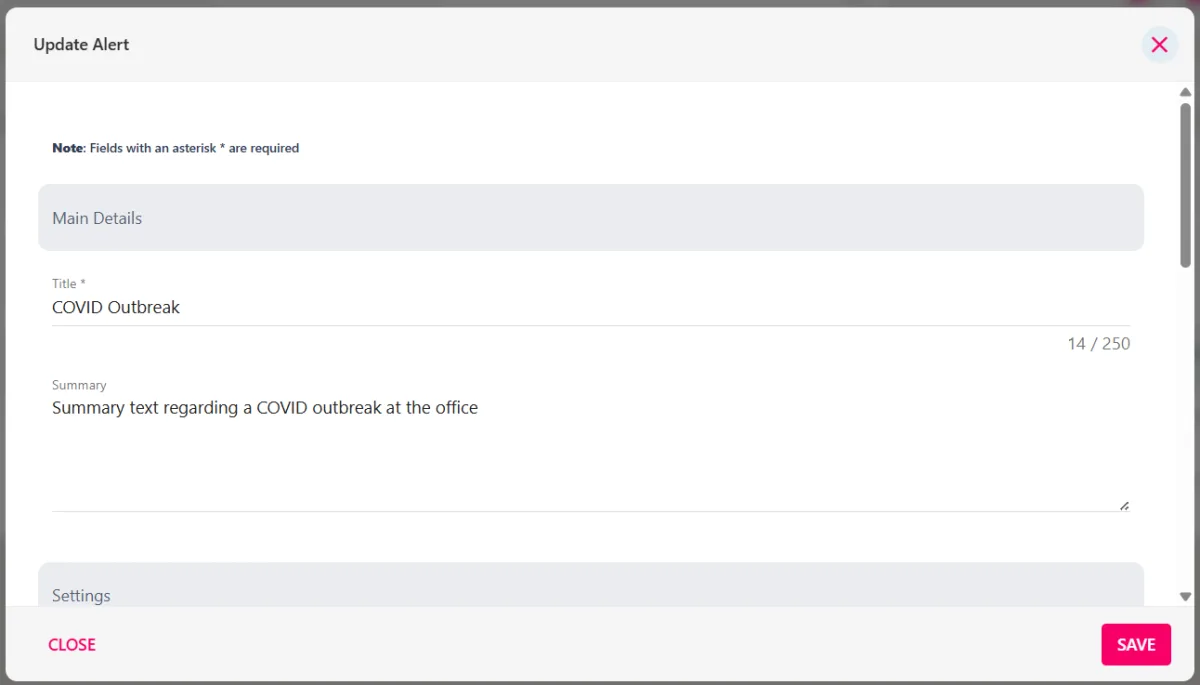
Update the fields within the form (further information on the fields can be found in this guide).
Then click the SAVEbutton in the bottom right-hand corner of the screen to save any changes.