Task and Worksheet Settings
Task settings help manage the intervals and priority groups along with the groups for worksheet types.
Task Intervals
Task Intervals - are created so that when setting a Task a recurrence can be added and future Tasks automatically create. They can be completely customisable by days and months meaning that no type of re-occurrence is unavailable. 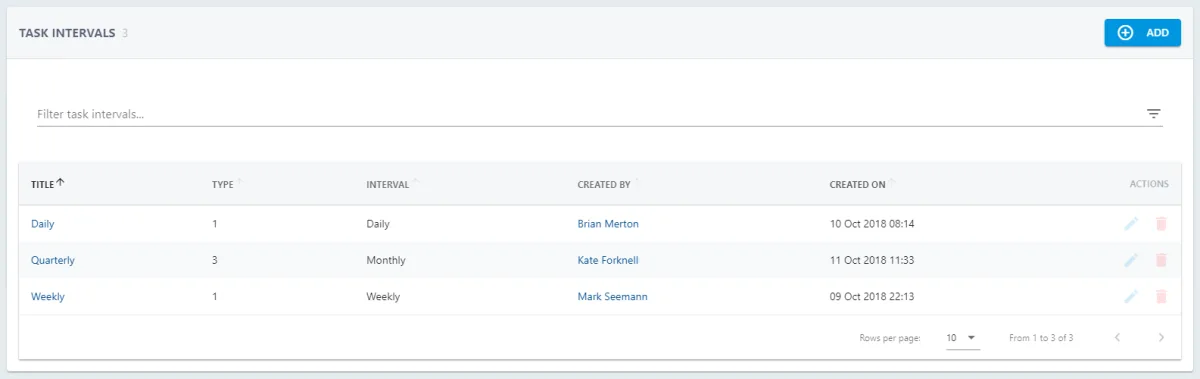
Use the Filter to search for Intervals. To edit press  and
and  to delete.
To add a new Interval press 
Select the relevant Interval to view the details. To edit from here press 
To add an Interval add the Title and Description of the Interval. Select if the interval should be based on Months/Years/Weeks/Days. Then set how many Months/Years/Weeks/Days should pass before the re-occurrence should appear.
Task Priorities
The set of priorities that you define can be applied to tasks that are assigned to a user at a later date.
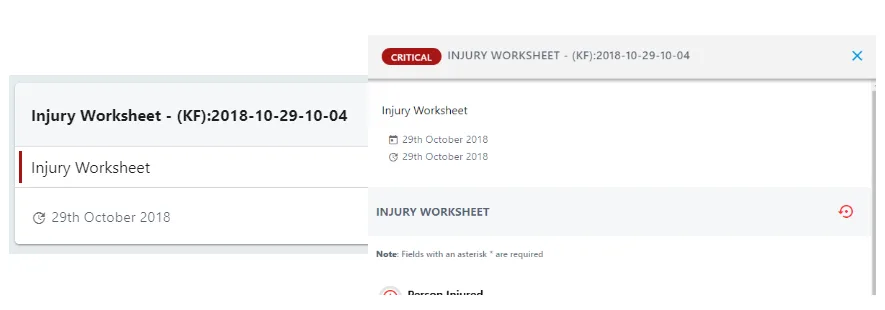
Use the Filter to search for Priorities. To edit press  and
and  to delete.
To add a new Priority press 
Select the relevant Priority to view the details. To edit from here press 
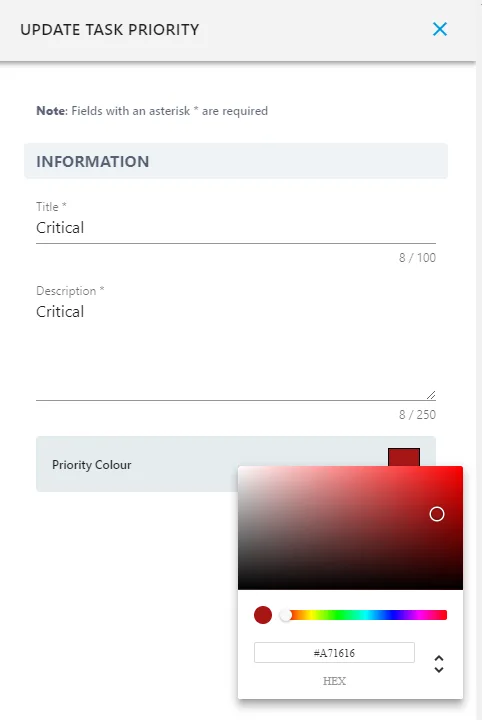
The title and relevant colour can be customised and set to the naming protocol in your organisation.
Worksheet Types
Worksheet Types can be added to group worksheets and make them easily searchable in the main Worksheet list.
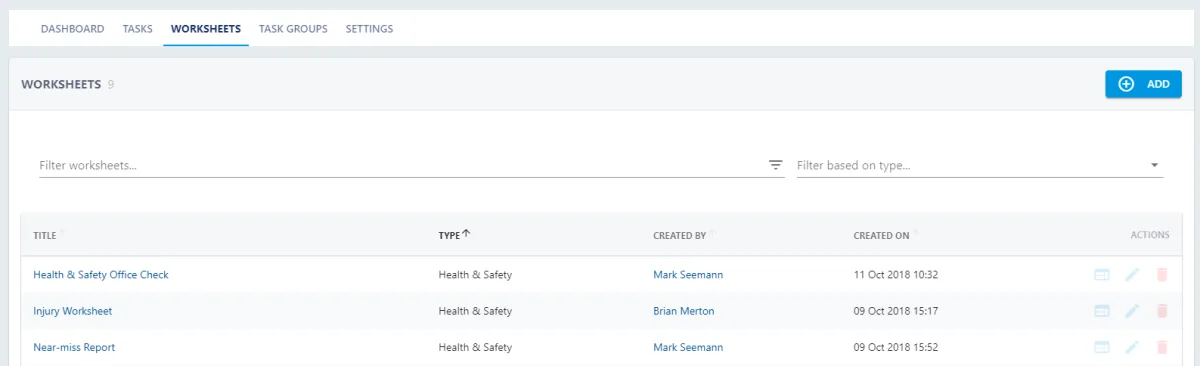
To add a new Worksheet Type press 
Use the Filter to search for Worksheet Types. To edit press  and
and  to delete.
Select the relevant Priority to view the details. To edit from here press