Task Administration View
This is the area where you are able to view all active tasks that have been allocated to individuals that you are set to manage or approve.
Tasks can be filtered and sorted to enable you to find what you are looking for easily. 
Press
to include or exclude completed tasks. Press
to reset filters.
View the status of the task
See quickly if a task has gone over due


To view an existing task simply press on the relevant task title which will open the detailed view.
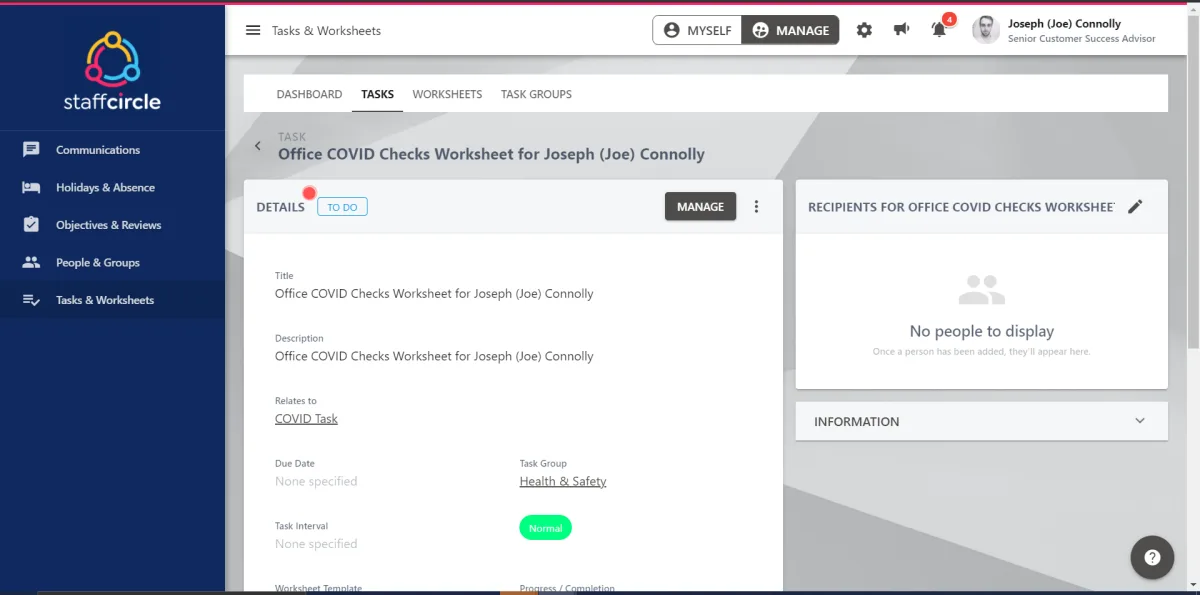
You will be able to see who the tasks is assigned to, how much progress has been made and the original worksheet.
To access the completed or partially completed worksheet that has been assigned as part of the task press 

If the worksheet has been saved and completed a eye icon  will be present to show that you can view but not alter the fields.
To edit the Task go to 'update'
Here you will be able the Title and Description along with all of the Settings of the task.
Need to ask further questions to the user simply add a comment
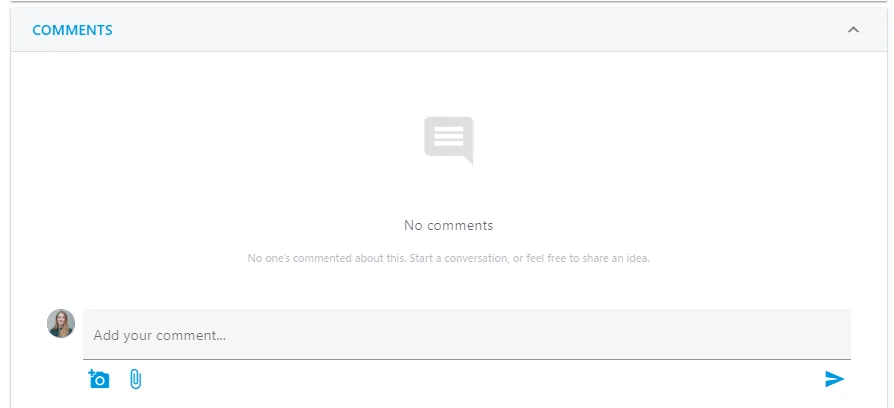
If enabled Notifications of these comments will be sent to the user and all recipients. Once they reply you will receive a notification.
To add a new task to a user simply press  and follow these instructions