Knowledge base · Tasks & Worksheets
How do I edit a calculation on a worksheet?
First go to Tasks & Worksheets in the Administration view. Go to the 'worksheets' tab.
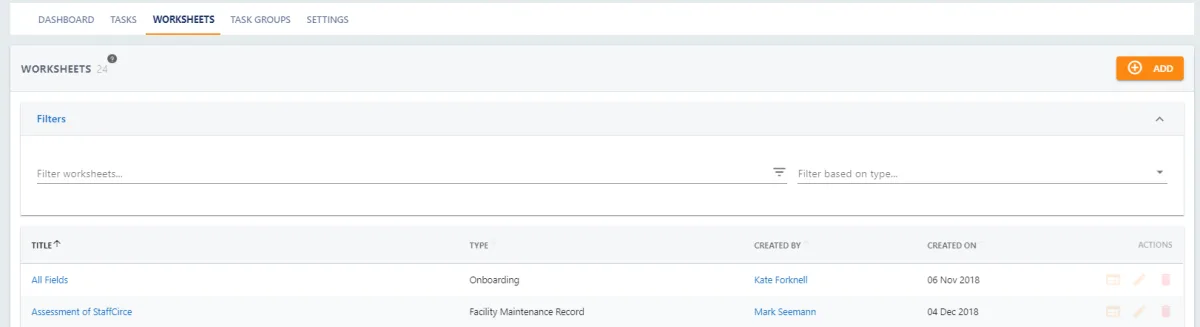
To open the worksheet builder press  from the worksheet list view or
  from the detailed view then
Your screen will now include a section on the left where you add/edit Sections and Fields along with the mobile preview to help you see what the user will see whilst you are building your form.
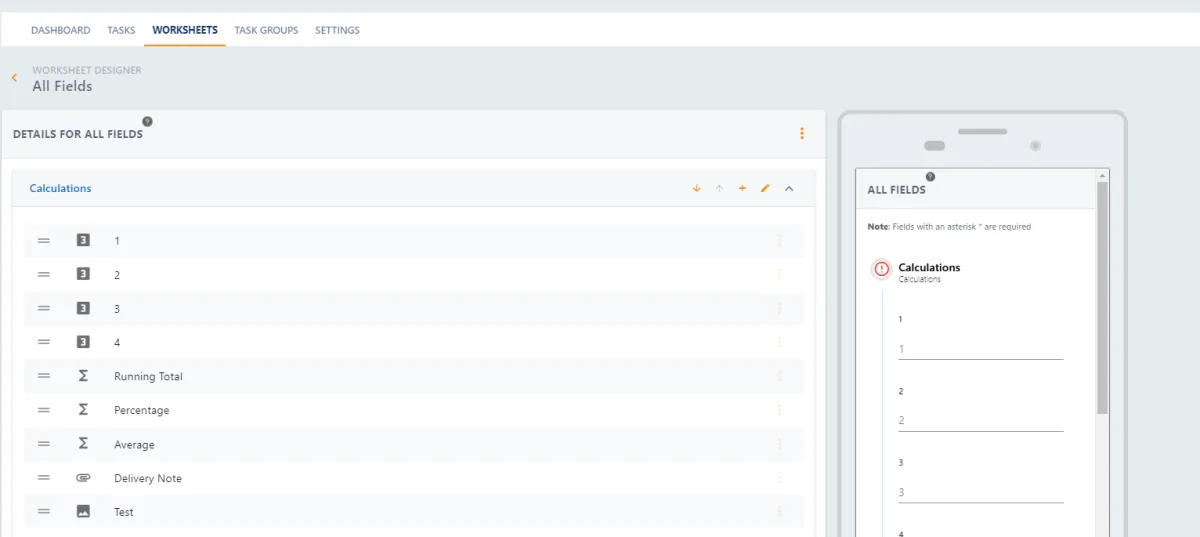
Locate the field that you would like to edit and press  followed by
The original view where you initially created the field will open where you can edit any elements of the field.
Further articles are available to describe the Field Types and the Calculations
Don't forget to press when you are done.