Knowledge base · Tasks & Worksheets
Enabling a worksheet to be created ad-hoc
Enabling a new worksheet to be created on an ad-hoc basis or changing an existing worksheet to be ad-hoc is easy.
From the Task & Worksheets administration list, to add a new Worksheet press 
Or use the filter to search for an existing Worksheets. To edit press 
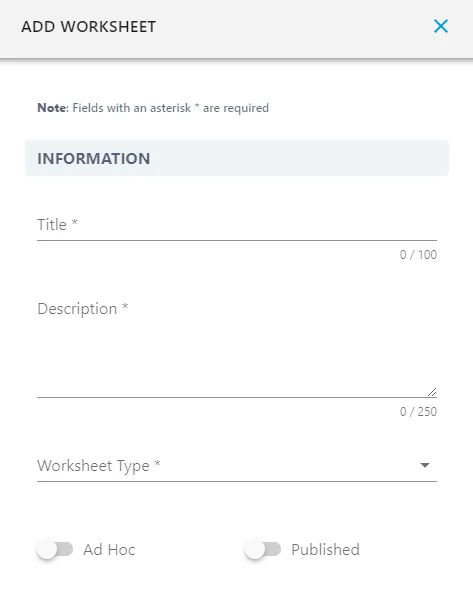
Toggle on the  button to enable the worksheet to be created on an ad-hoc basis.