Knowledge base · Tasks & Worksheets
Controlling worksheet versions
If you need to make alterations to a worksheet there is an easy way to control the versioning.
Firstly duplicate the existing worksheet by cloning it. To do this select the desired worksheet from the list in the administration view, press  from the list view or in the detailed view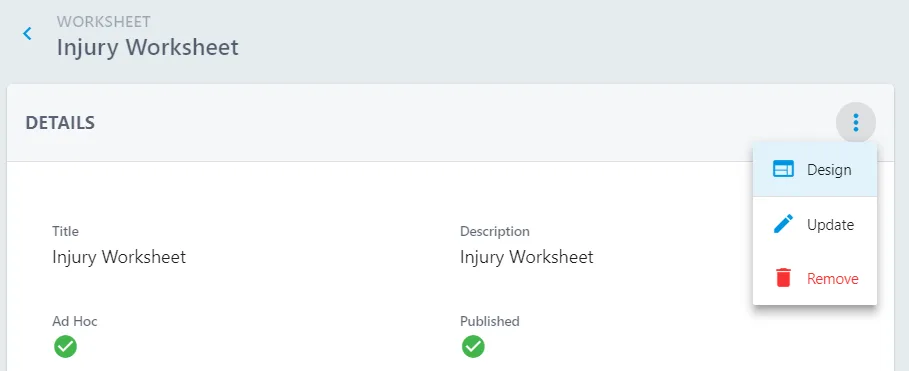
Then press  followed by
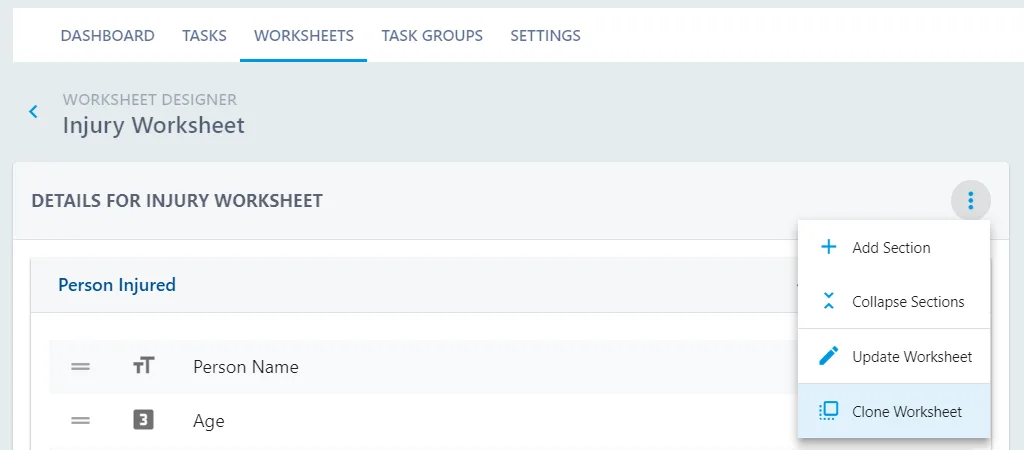
This will create a copy of the worksheet. Press  from the list view . Or
  from the detailed view then
  from here you are able to update the worksheet name.
Make the alterations you require.
Ensure that you unpublish the version that is no longer required.