Review Intervals are created so that when setting a review a recurrence can be added and future Reviews automatically create. They can be completely customisable by days and months meaning that no type of re-occurrence is unavailable.
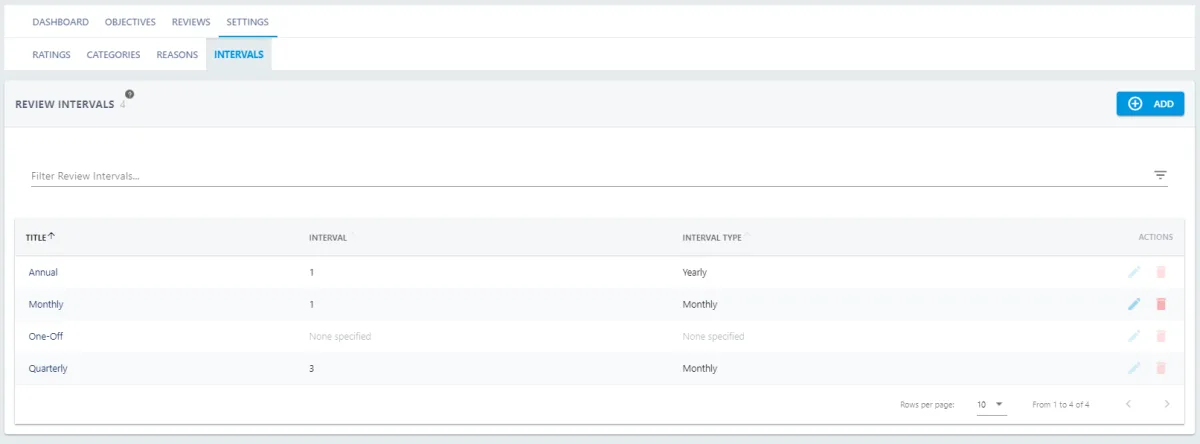
Use the Filter to search for Intervals. To edit press  and
and  to delete.
Select the relevant Interval to view the details. To edit from here press 
Add an Interval
Add the Title and Description of the Interval. Then type the Interval you require. This is the amount of Months/Years/Weeks/Days that you need between recurring reviews.