Knowledge base · People & Administration
New Starter: Reject
Step One
Navigate to the People area of the platform in MANAGE mode, and select the NEW STARTERS tab.
Step Two
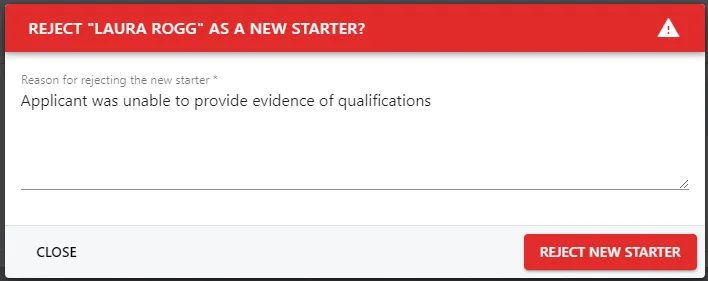
Identify the New Starter from the list and click on the red circle icon under the ACTIONS heading to open the REJECT [NAME] AS A NEW STARTER pop-up.
Step Three
Populate the text box with your rejection response then click the REJECT NEW STARTER button to reject the New Starter.