IT Asset & Equipment Records
The IT Asset & Equipment area allows records of equipment to be assigned to the user.
Adding Assets
Adding an asset can be achieved through the add button on the right hand side of the screen. From here, we can now add a new product.
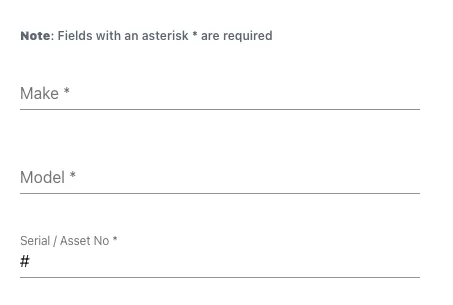
Make, Model and Serial/Asset Number allow the details of the device to be added to the profile.
 `````Start and return date open drop down boxes for the provisioning and return dates of the assets.
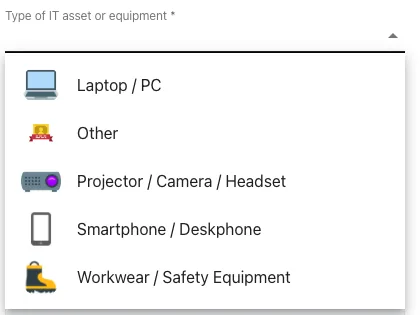
Assets can be categorised to make tracking and visibility of specific assets easier.
Finally, images can be added to each asset entry in the system.
Editing and Removing Assets
After an asset is added, it is easy to update the details of the asset or remove the asset from allocation. Clicking on the three dots  on the right hand side of each asset brings up the option to update
  or remove
  the asset.