Knowledge base · People & Administration
How do I change a user into a manager
1. Log in to the platform as a Superuser or an Administrator.
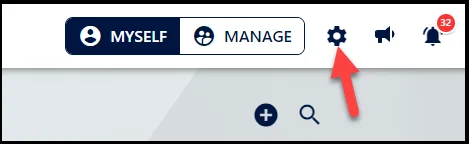
2. Click on the 'Settings' icon at the top ribbon.
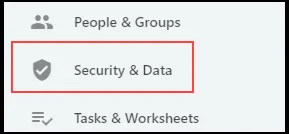
3. From the left side panel navigate to 'Security and Data' section.
4. Select the necessary group that you want to add user/s (i.e. Managers)
5. Navigate to the "People in Managers" section
6. Click on the "Update" button to add new users to the group