Knowledge base · People & Administration
Groups: Configure
Step One
Navigate to the People area of the platform in MANAGE mode.
🚀 If you are using our new menu feature, hover over the People section of the side-bar, then navigate to:
Configuration ➡️ Groups
Select the Groupstitle and proceed with step three.
Step Two
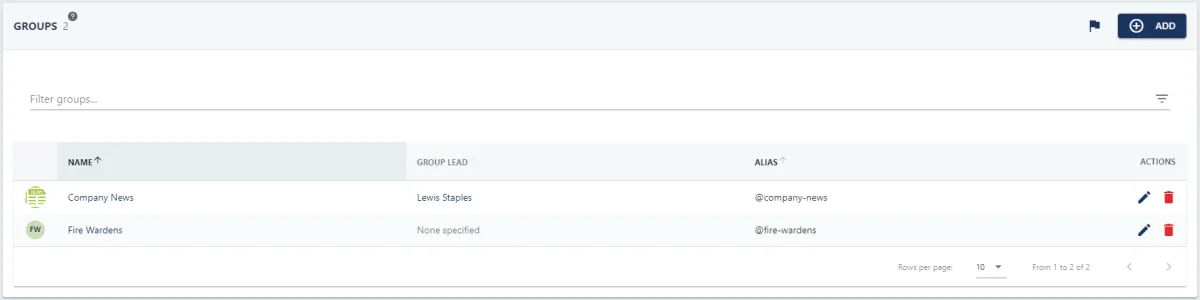
Select the GROUPStab at the top of the page, this will take you to the area of the platform where you can view a list of your organisation's groups.
Step Three
Select the pencil icon next to the group. This will open the UPDATE GROUP pull-out drawer.
Step Four
Update the fields within the form (further information on the fields can be found in this guide).
Then click the SAVEbutton in the bottom right-hand corner of the screen to save any changes.