Knowledge base · People & Administration
Custom Fields: Data Types
When creating custom fields, there are a variety of different data types you can select.
This guidance document shows how they appear in the platform when updating them against a person's profile.
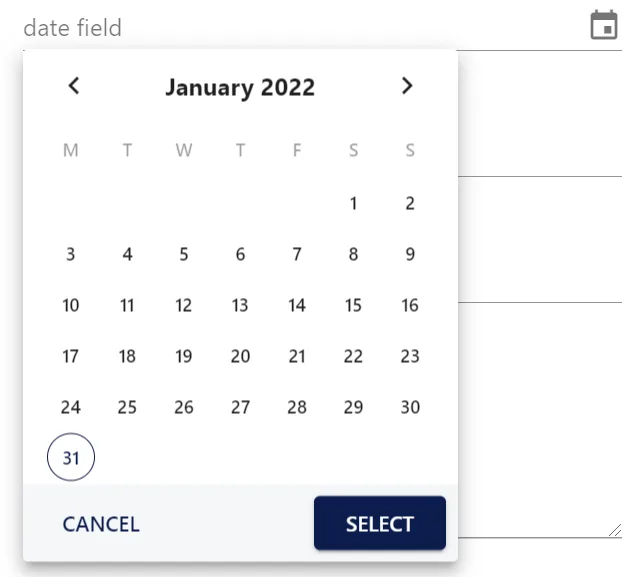
Date
Number

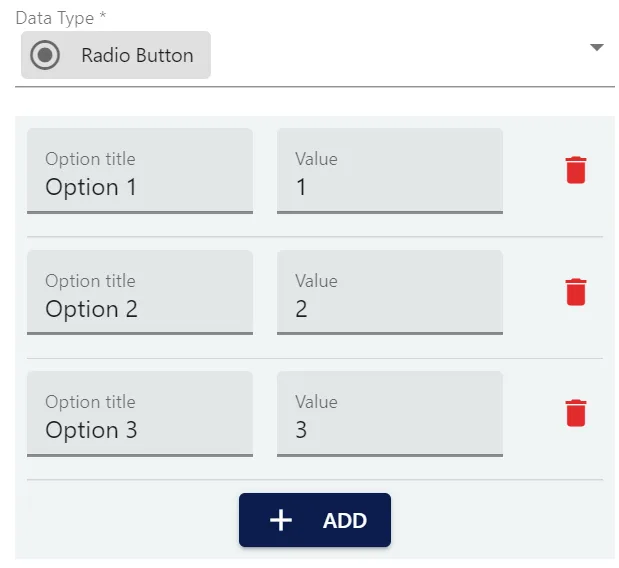
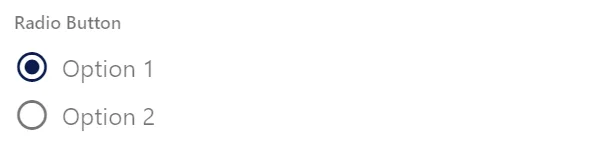
Radio Button
You must add the options and give each option a different value above 0.
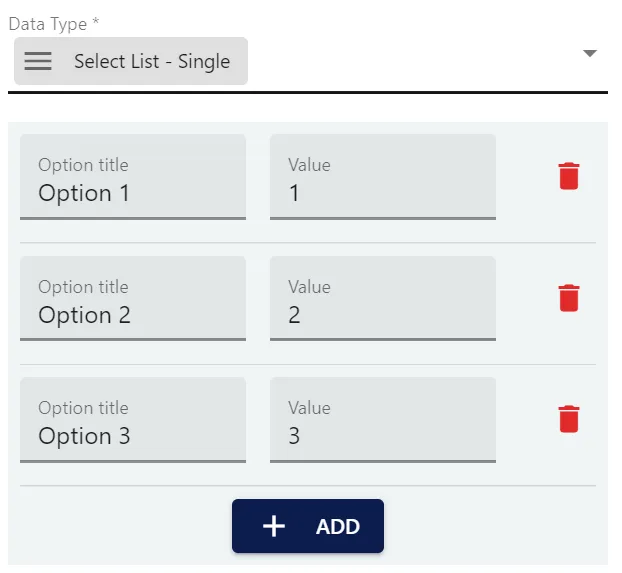
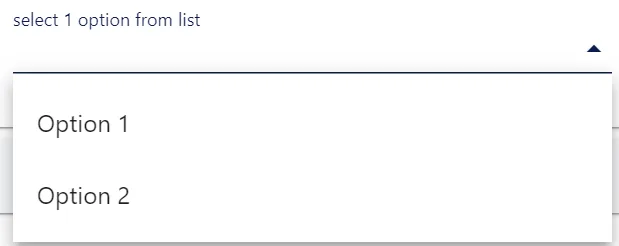
Select List - Single
You must add the options and give each option a different value above 0.
Telephone

Text

Text Large
Please note there is a 500 character limit

Time

Yes/No
