Holidays settings requires people to have a manager in order to create holiday or absence requests.

In order to authorise a holiday if you are the CEO / MD you need to a user who will act as your manager (they don't need to be activated on staffcircle). A good example of a manager to the CEO would be the chairman or "the board".

Providing the CEO has the "approver" flags set in the Time-Off Security Group then they can add holiday requests which will be auto approved.


Setup Guide: Holiday Approval for CEOs/ MDs

1. Click "MANAGE"
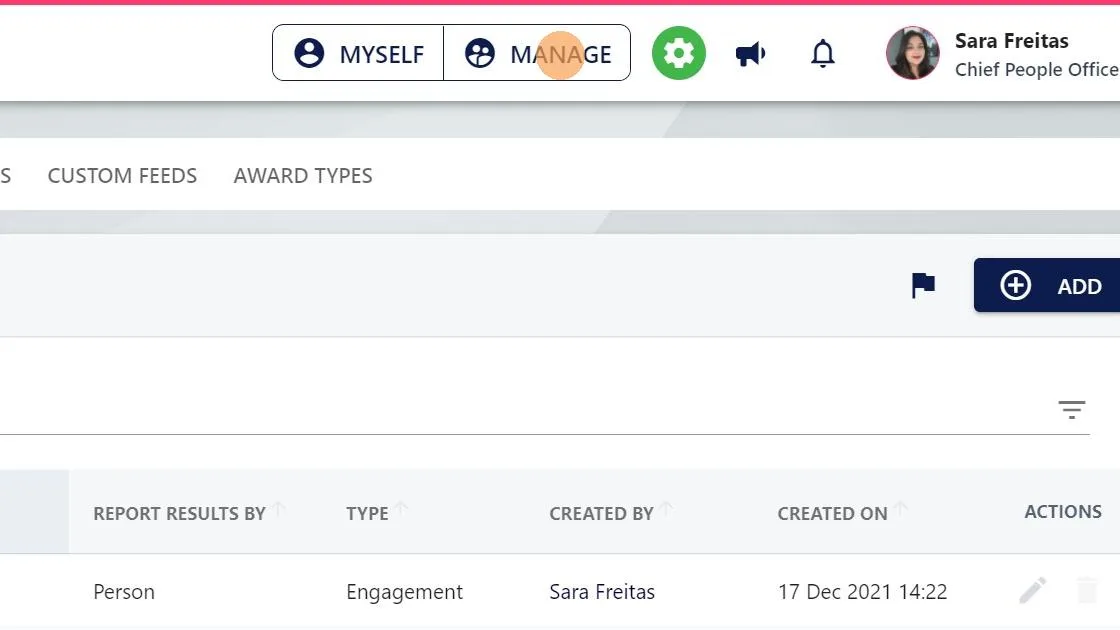
Screenshot from the StaffCircle platform: How do I automatically approve my holiday if I'm the CEO and don't report to anyone or don't have a manager?

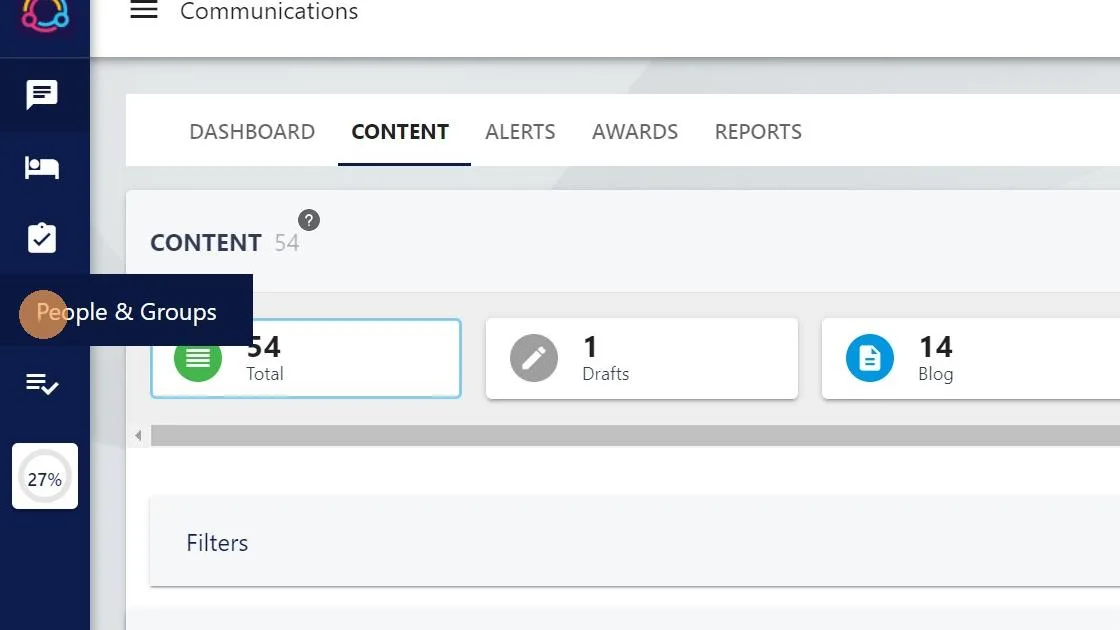
2. Click "People & Groups"

Screenshot from the StaffCircle platform: How do I automatically approve my holiday if I'm the CEO and don't report to anyone or don't have a manager?

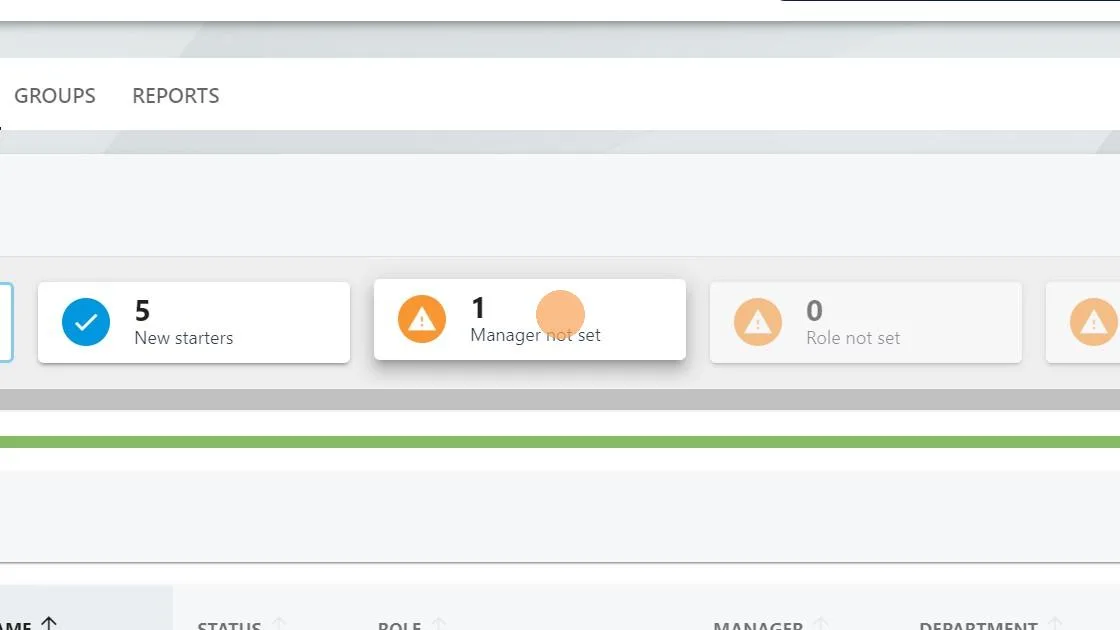
3. Click here.

Screenshot from the StaffCircle platform: How do I automatically approve my holiday if I'm the CEO and don't report to anyone or don't have a manager?

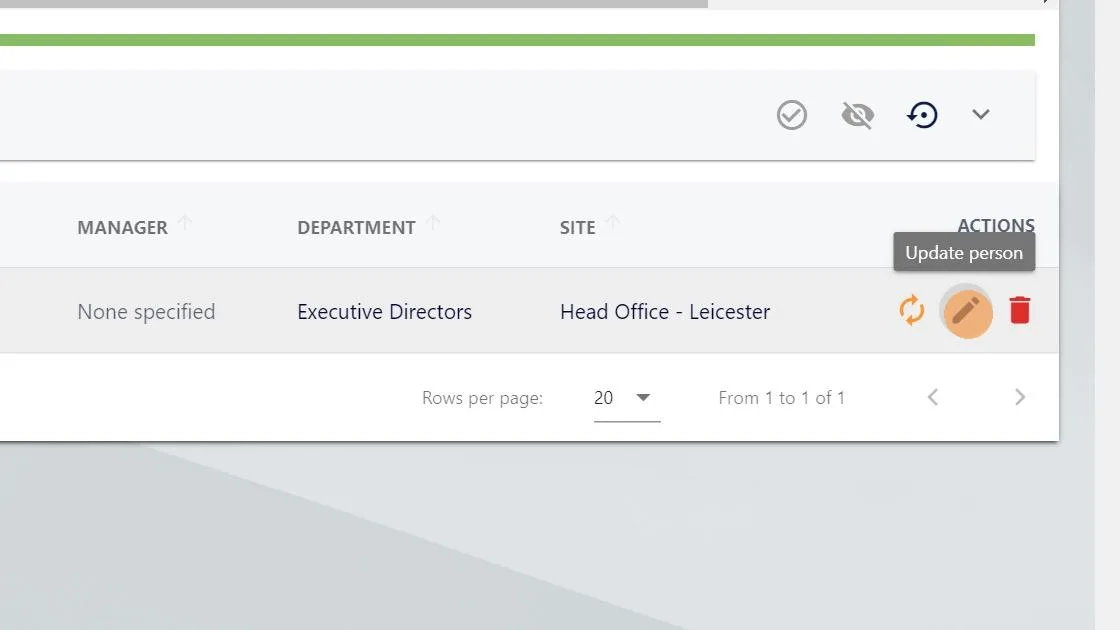
4. Click "edit"

Screenshot from the StaffCircle platform: How do I automatically approve my holiday if I'm the CEO and don't report to anyone or don't have a manager?

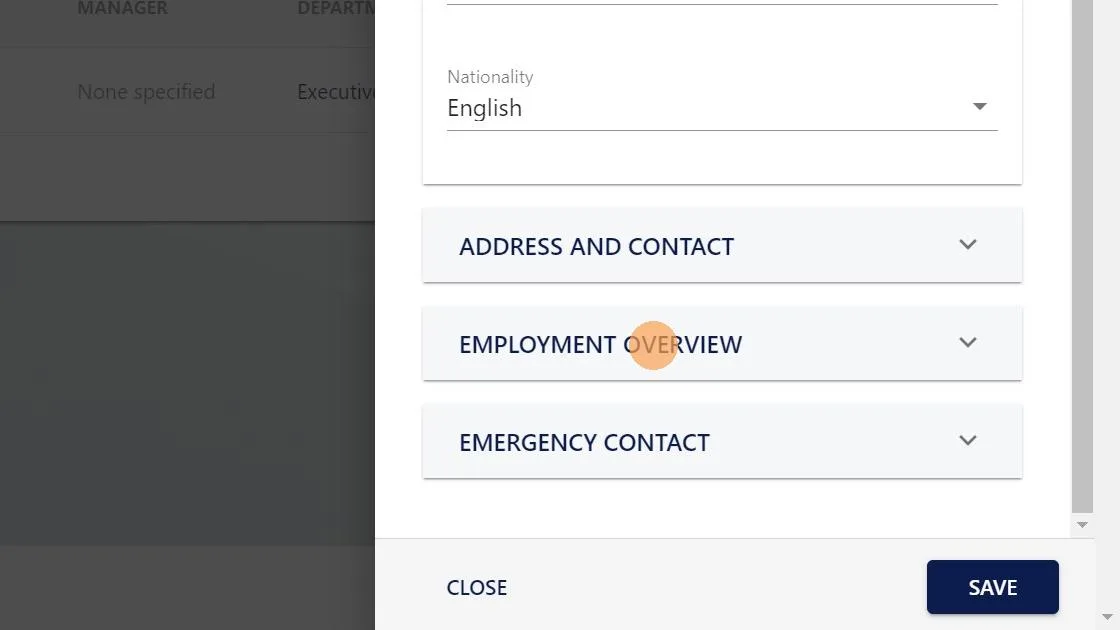
5. Click here.

Screenshot from the StaffCircle platform: How do I automatically approve my holiday if I'm the CEO and don't report to anyone or don't have a manager?

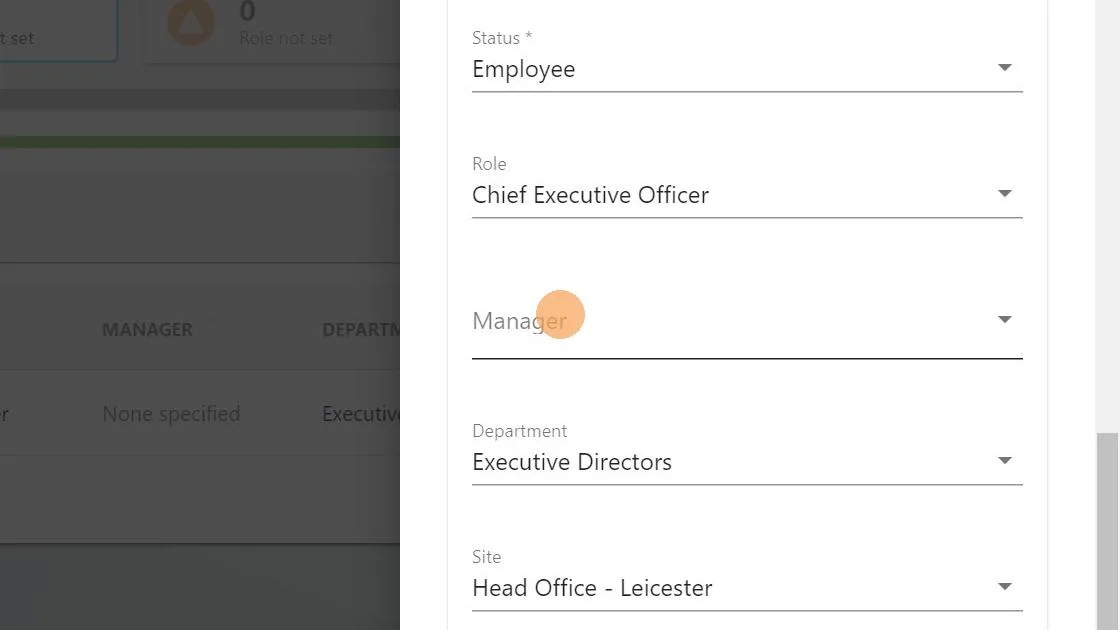
6. Click this text field.

Screenshot from the StaffCircle platform: How do I automatically approve my holiday if I'm the CEO and don't report to anyone or don't have a manager?

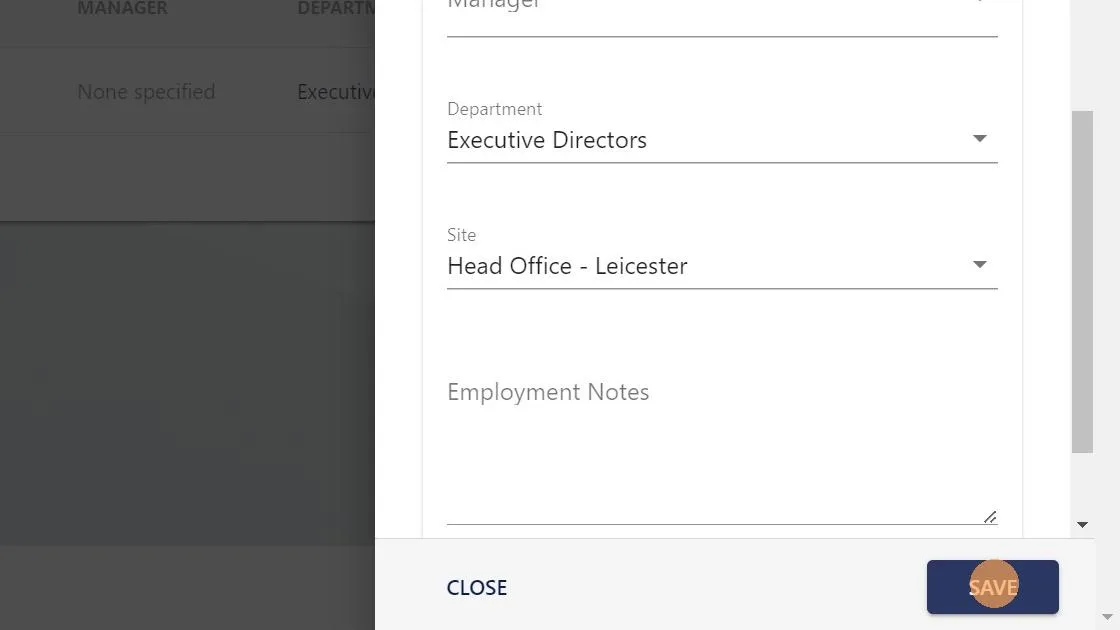
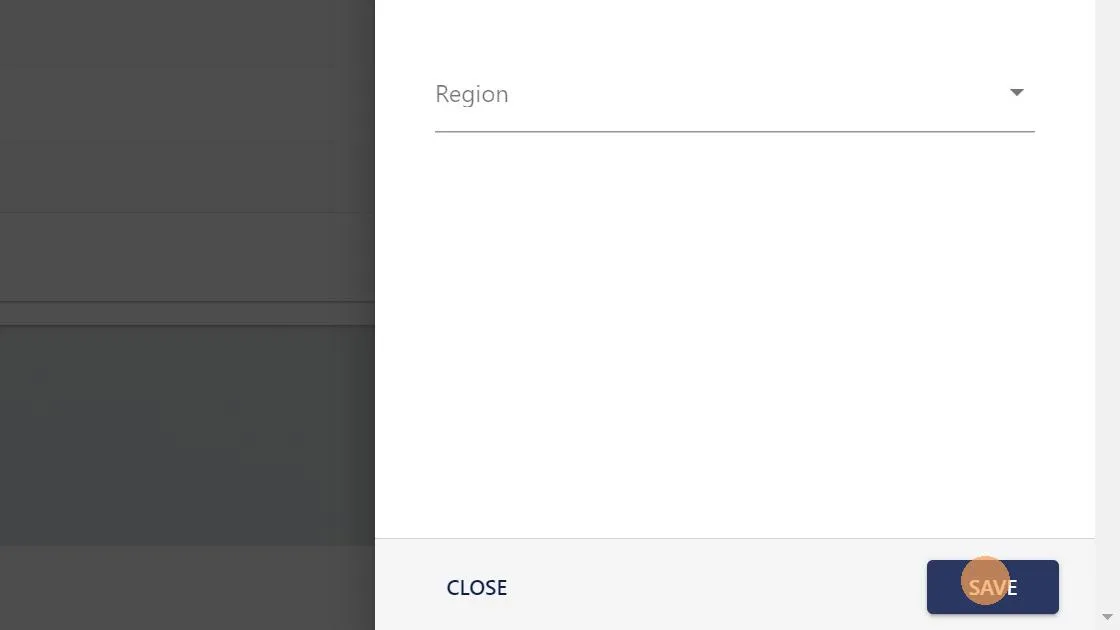
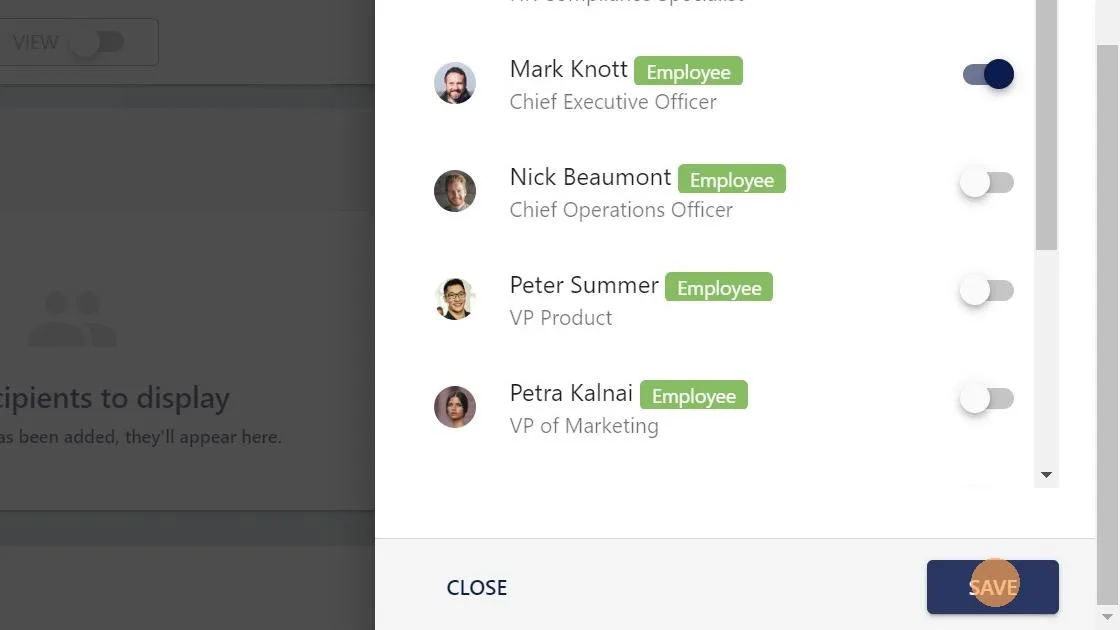
7. Click "SAVE"

Screenshot from the StaffCircle platform: How do I automatically approve my holiday if I'm the CEO and don't report to anyone or don't have a manager?

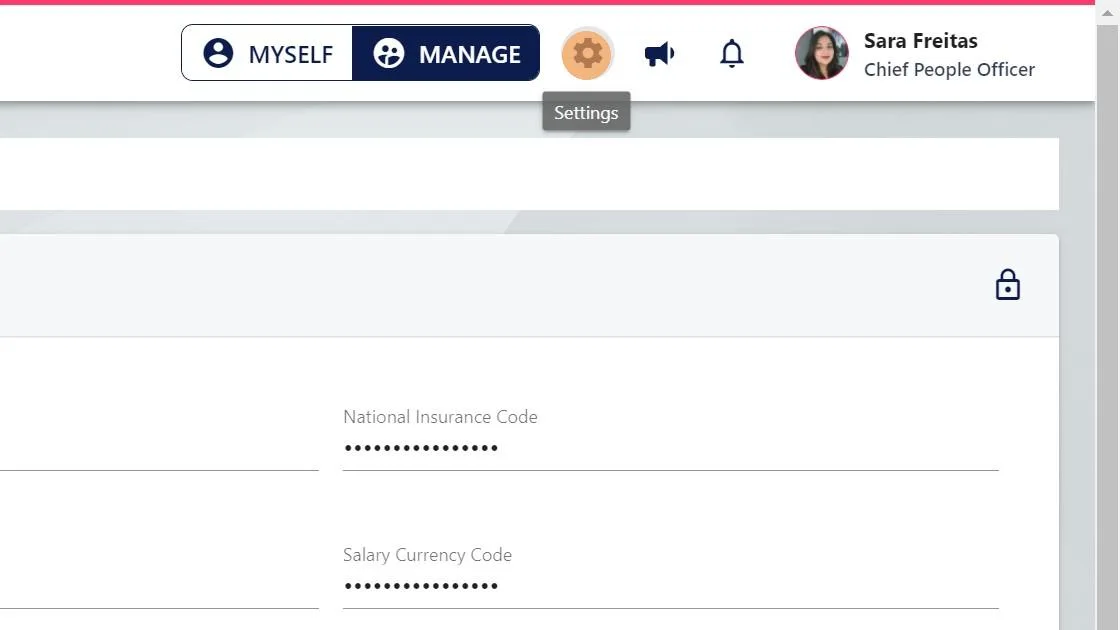
8. Click "settings"

Screenshot from the StaffCircle platform: How do I automatically approve my holiday if I'm the CEO and don't report to anyone or don't have a manager?

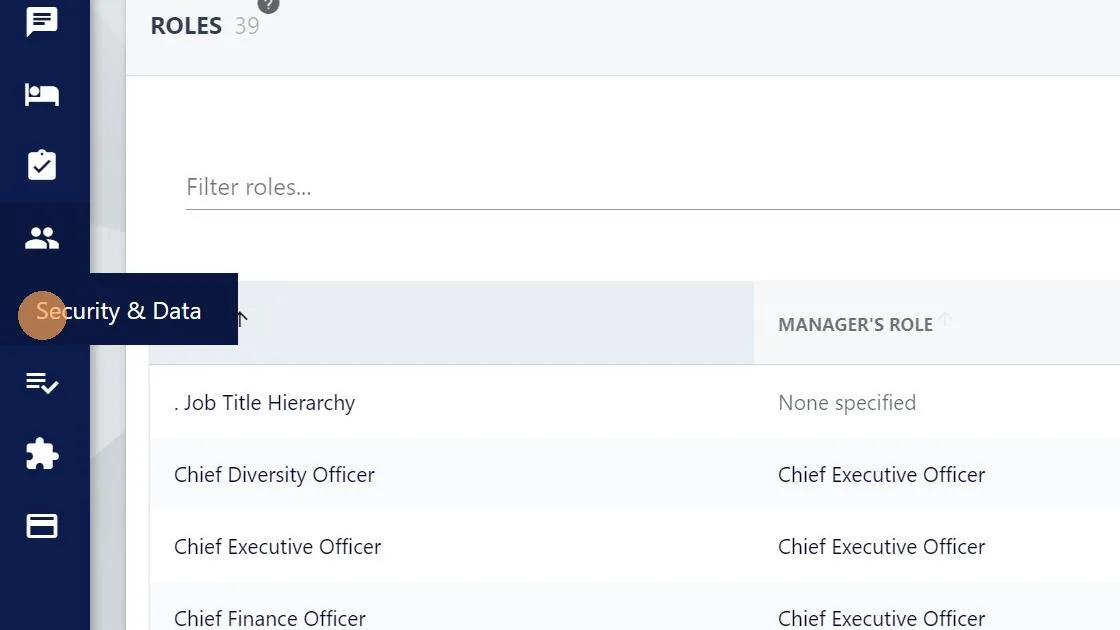
9. Click "Security & Data"

Screenshot from the StaffCircle platform: How do I automatically approve my holiday if I'm the CEO and don't report to anyone or don't have a manager?

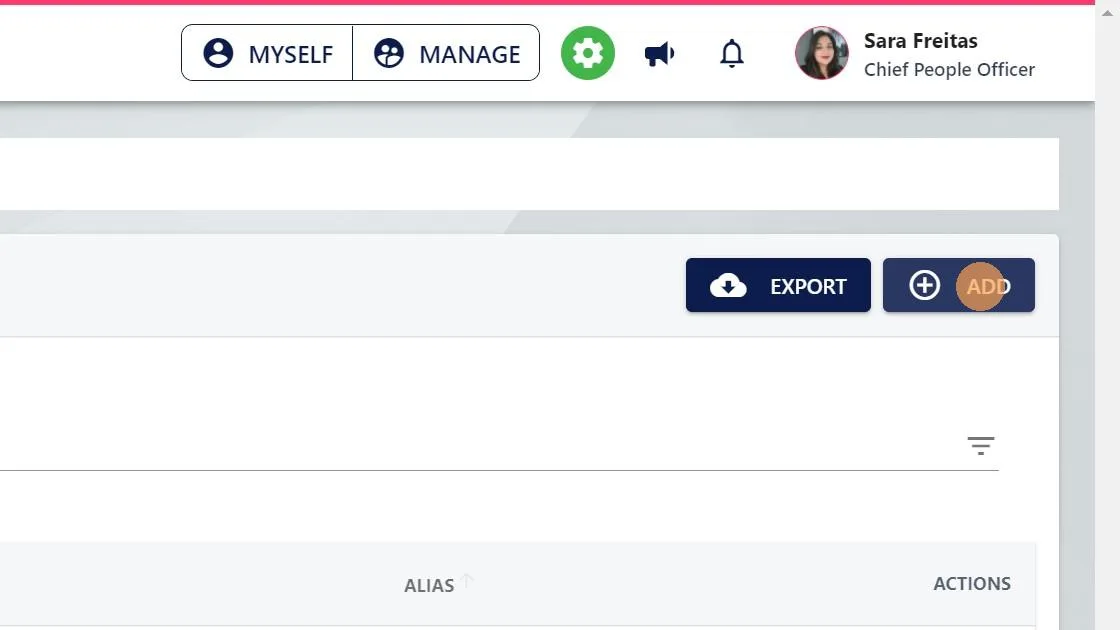
10. Click "ADD"

Screenshot from the StaffCircle platform: How do I automatically approve my holiday if I'm the CEO and don't report to anyone or don't have a manager?

11. Give the Security group a name like 'CEO Holiday Approval'
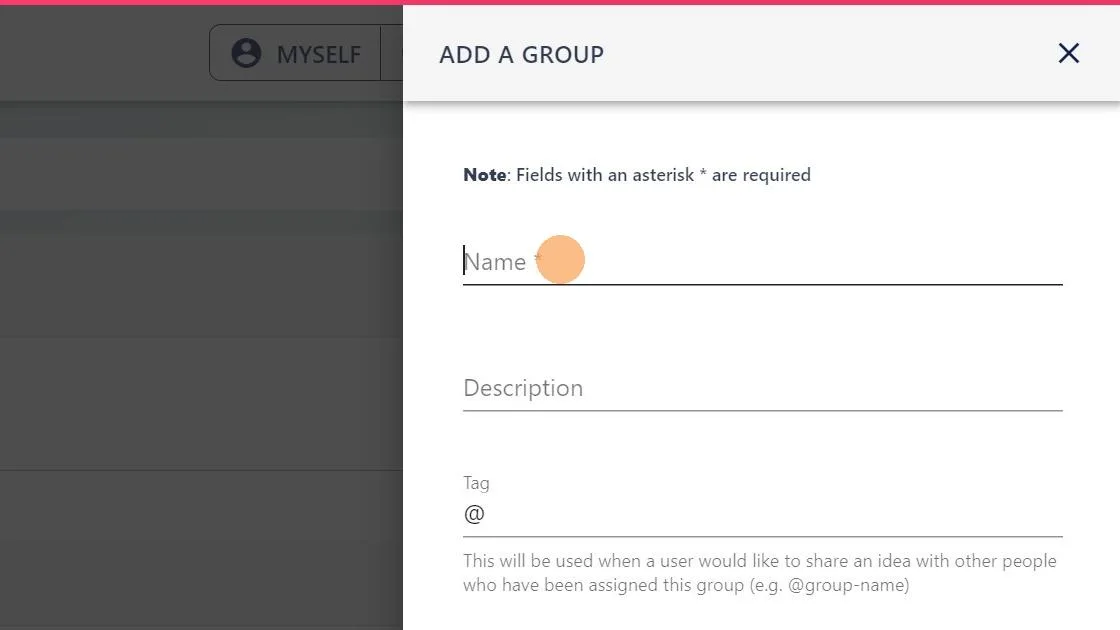
Screenshot from the StaffCircle platform: How do I automatically approve my holiday if I'm the CEO and don't report to anyone or don't have a manager?

12. Click "SAVE"

Screenshot from the StaffCircle platform: How do I automatically approve my holiday if I'm the CEO and don't report to anyone or don't have a manager?

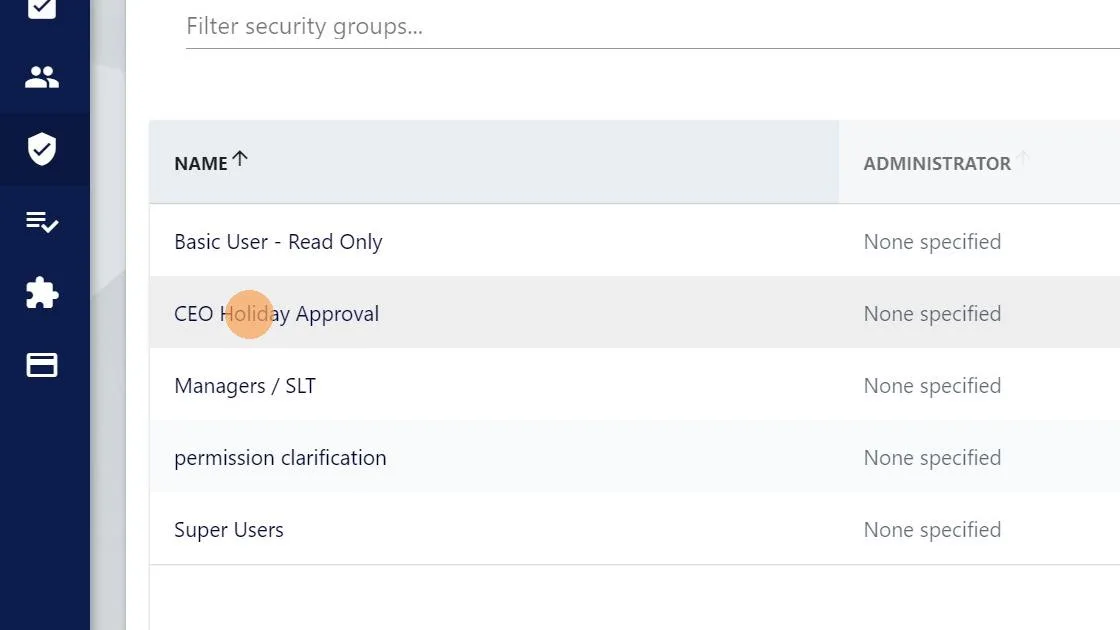
13. Click the new security group

Screenshot from the StaffCircle platform: How do I automatically approve my holiday if I'm the CEO and don't report to anyone or don't have a manager?

14. Scroll down and in the 'time off' section click to enable "APPROVER"
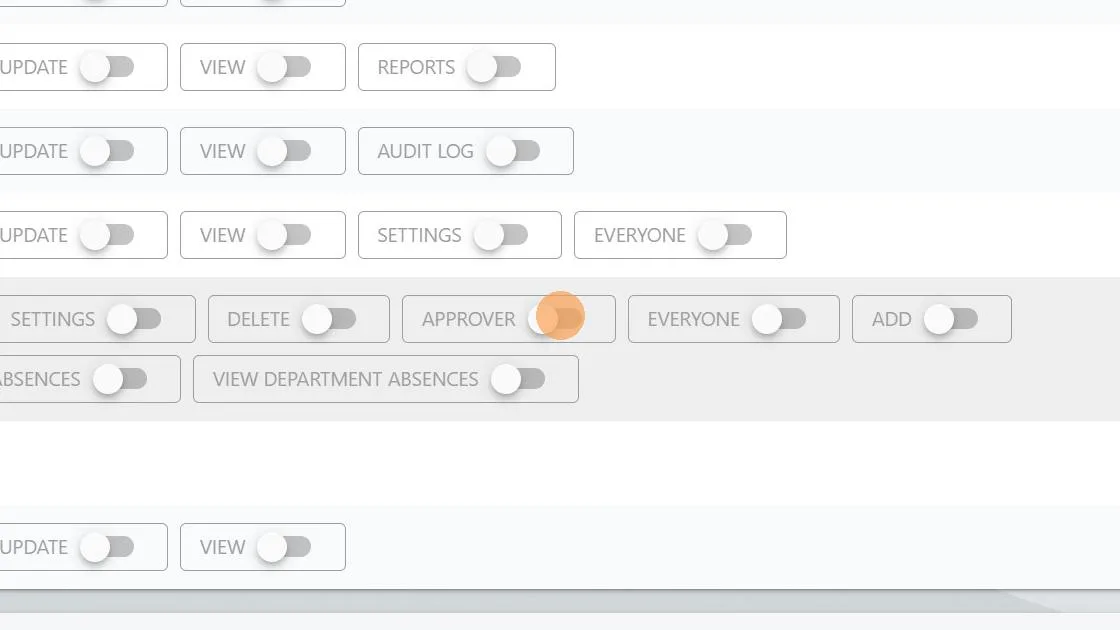
Screenshot from the StaffCircle platform: How do I automatically approve my holiday if I'm the CEO and don't report to anyone or don't have a manager?

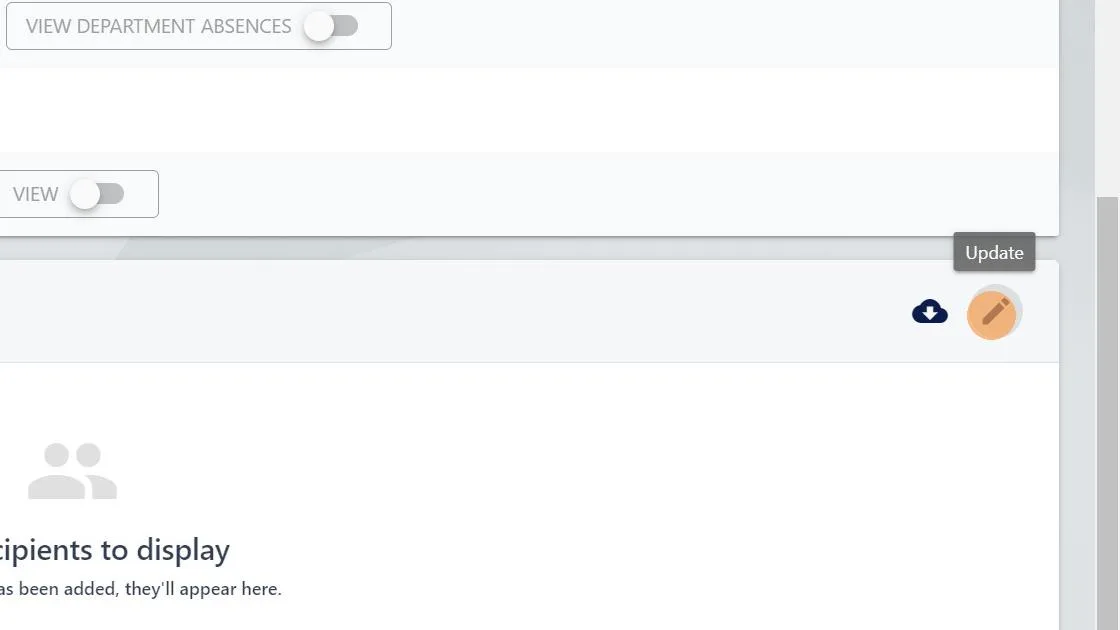
15. Scroll down and click "edit"

Screenshot from the StaffCircle platform: How do I automatically approve my holiday if I'm the CEO and don't report to anyone or don't have a manager?

16. Click here to add the CEO / MD

Screenshot from the StaffCircle platform: How do I automatically approve my holiday if I'm the CEO and don't report to anyone or don't have a manager?

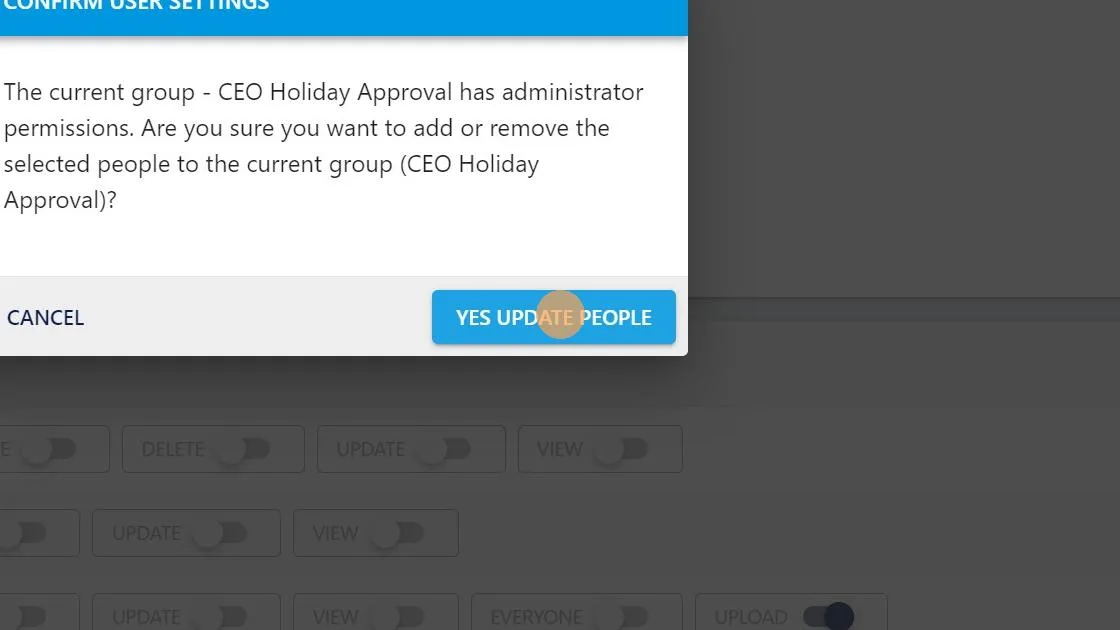
17. Click "SAVE"

Screenshot from the StaffCircle platform: How do I automatically approve my holiday if I'm the CEO and don't report to anyone or don't have a manager?

18. Click "YES UPDATE PEOPLE"

Screenshot from the StaffCircle platform: How do I automatically approve my holiday if I'm the CEO and don't report to anyone or don't have a manager?