Knowledge base · Holiday & Absence
Absence Settings: Default Request/Approval Notes
A 'note' must be included when an absence is logged within the platform, regardless at to whether this has been logged by the employee or another party. An example of this can be seen below:
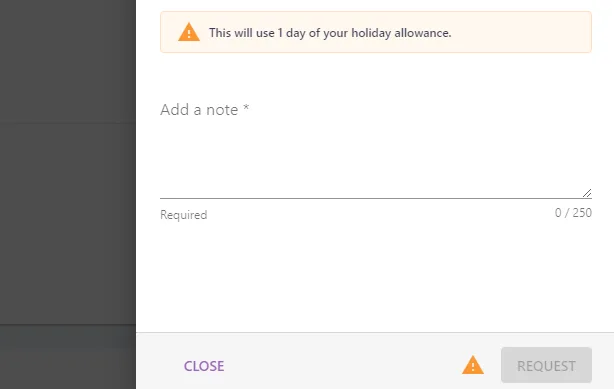
The Add a note field can be pre-populated by using the default request note and default approver notes, however the user is able to override this with their own note.

To configure the Add a note fields, you will need to navigate to the Absence Settings area of the platform.